
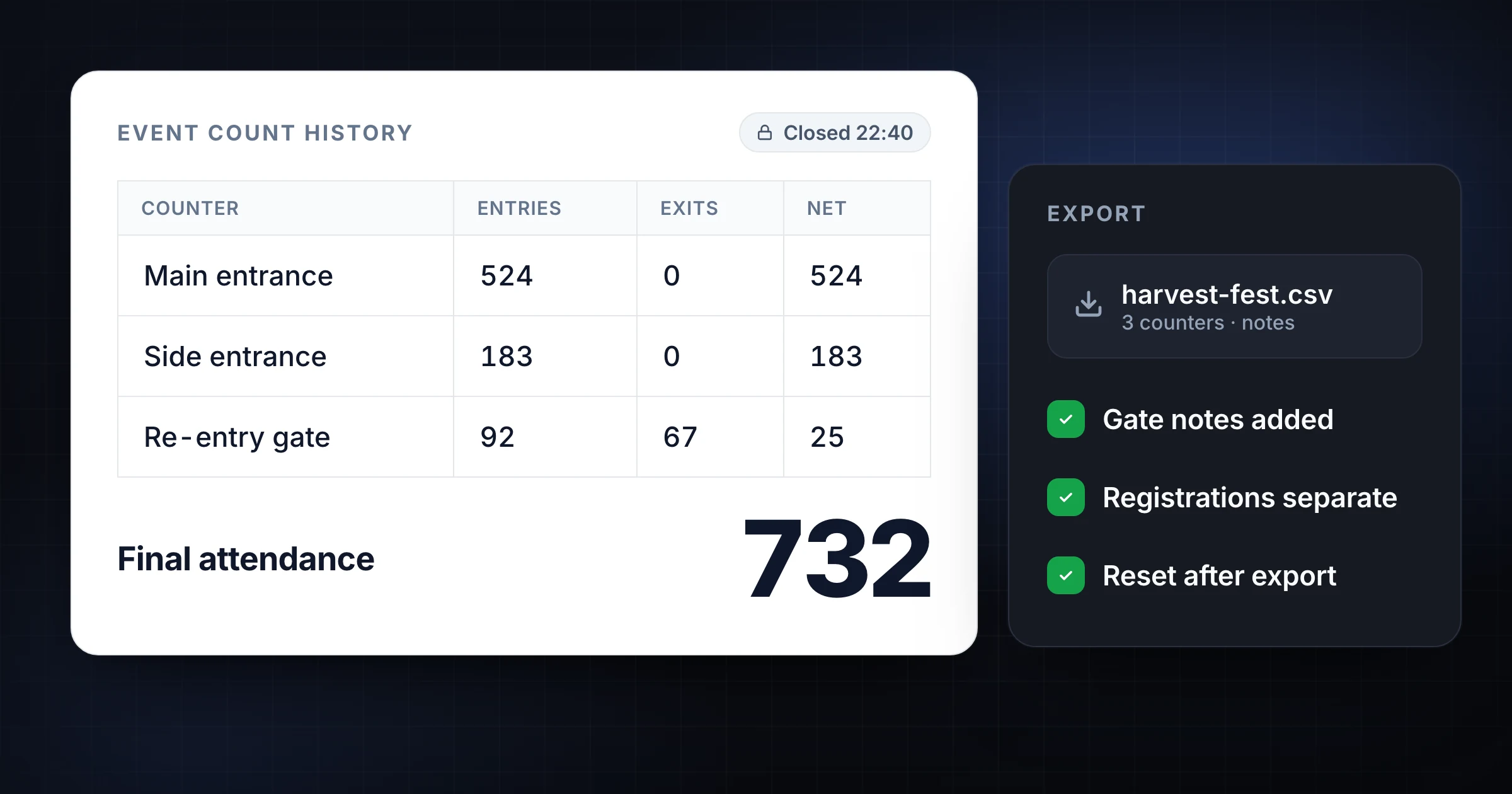
How to Export Count History After an Event
Export count history after an event without losing context. Use final totals, timestamps, gate notes, CSV reports, and a closeout checklist.
EventsSnapCount Team
How-tos, comparisons and field notes on retail foot traffic, paper tally sheets, cycle counting, event headcount, and turning manual counts into shared team workflows.
29 articles
Export count history after an event without losing context. Use final totals, timestamps, gate notes, CSV reports, and a closeout checklist.
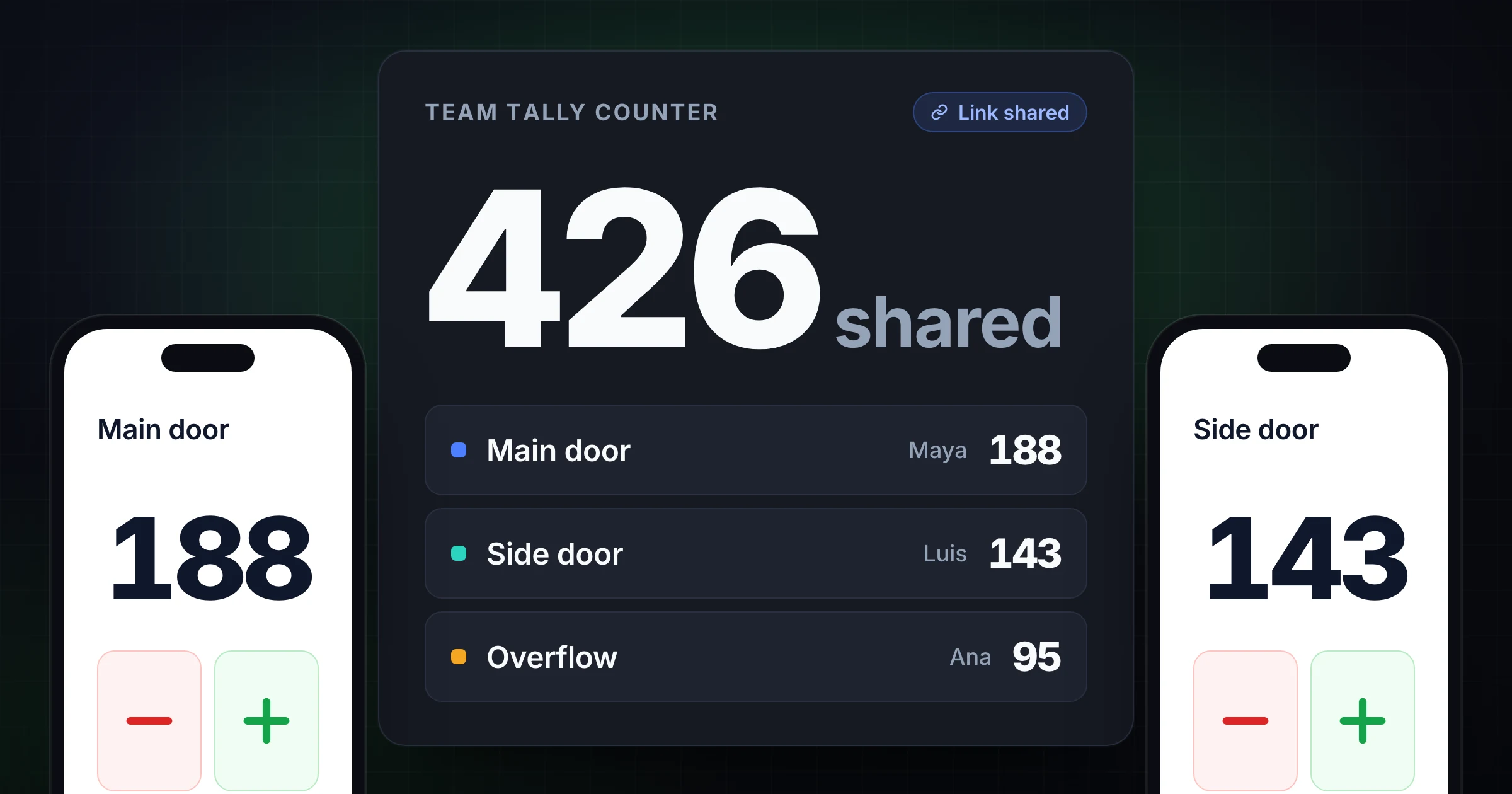
A team tally counter app keeps one live count in sync on every phone. Set the count rule, owners, labels, and reset rules so the final total holds up.
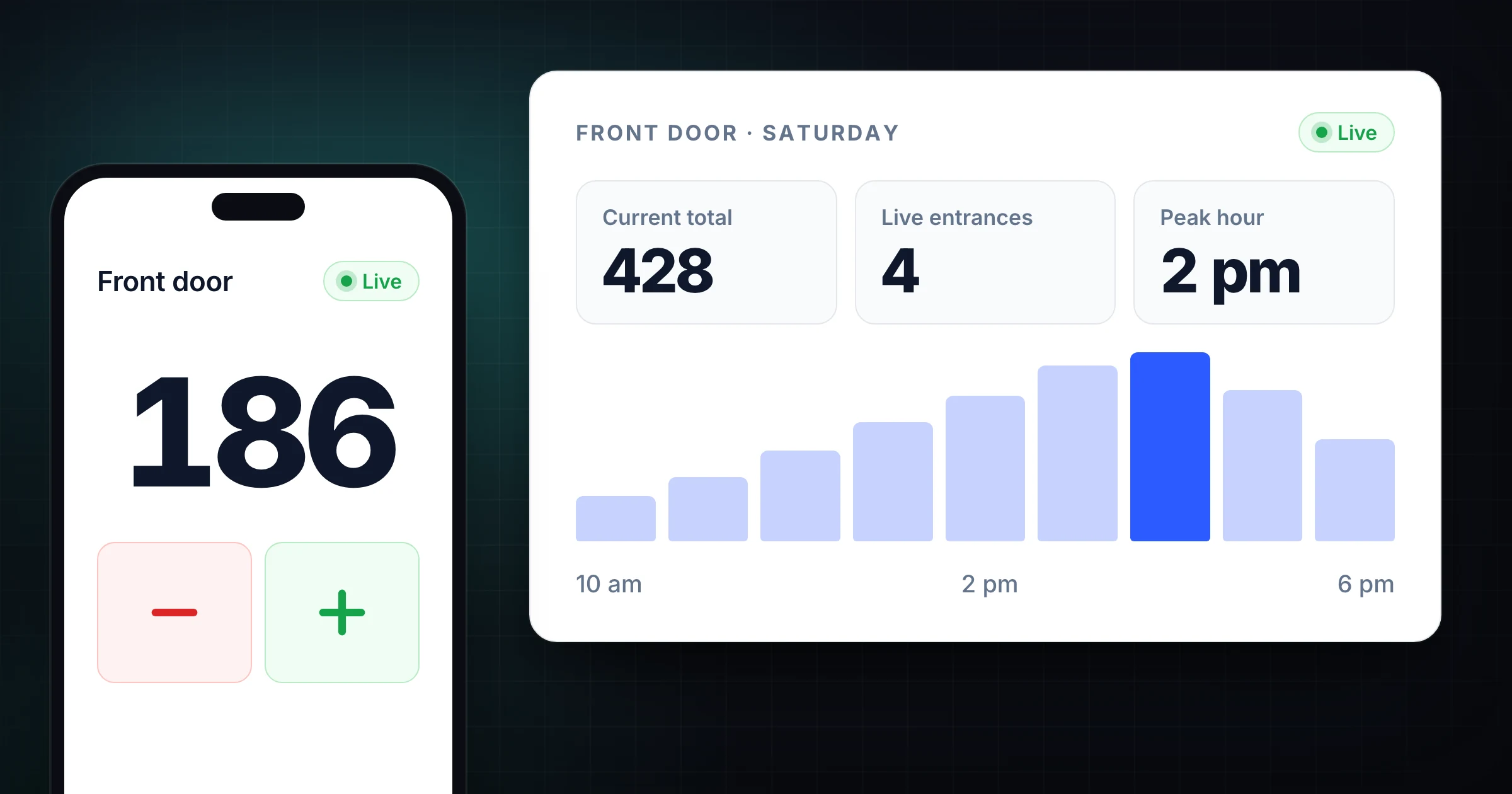
Choose a people counter app for retail stores, venues, and events. Compare apps, clickers, sensors, cameras, check-ins, and live counts.
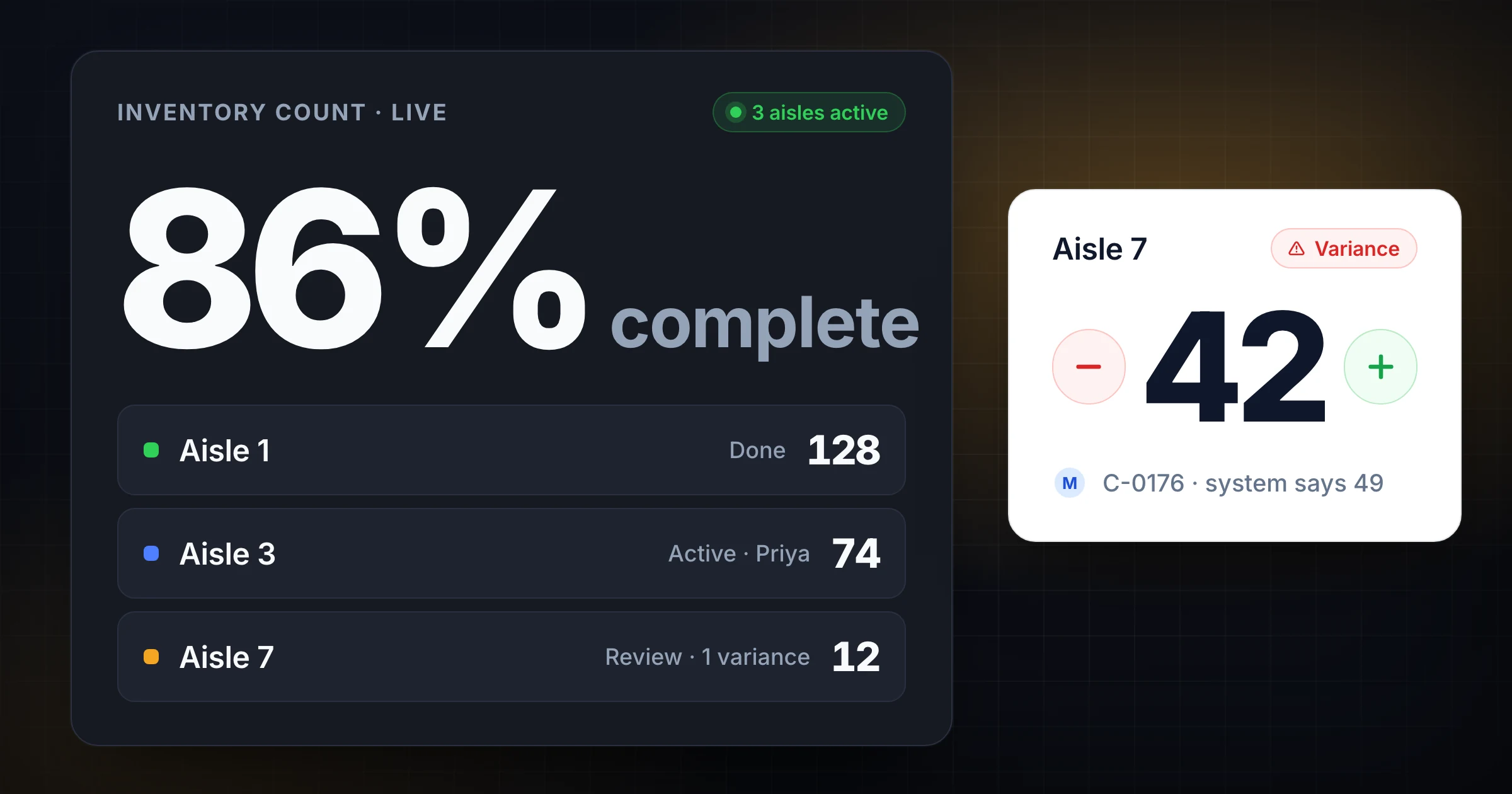
When an inventory count app beats spreadsheets for warehouse cycle counts and stocktakes, what SnapCount covers today, and where a WMS still fits.
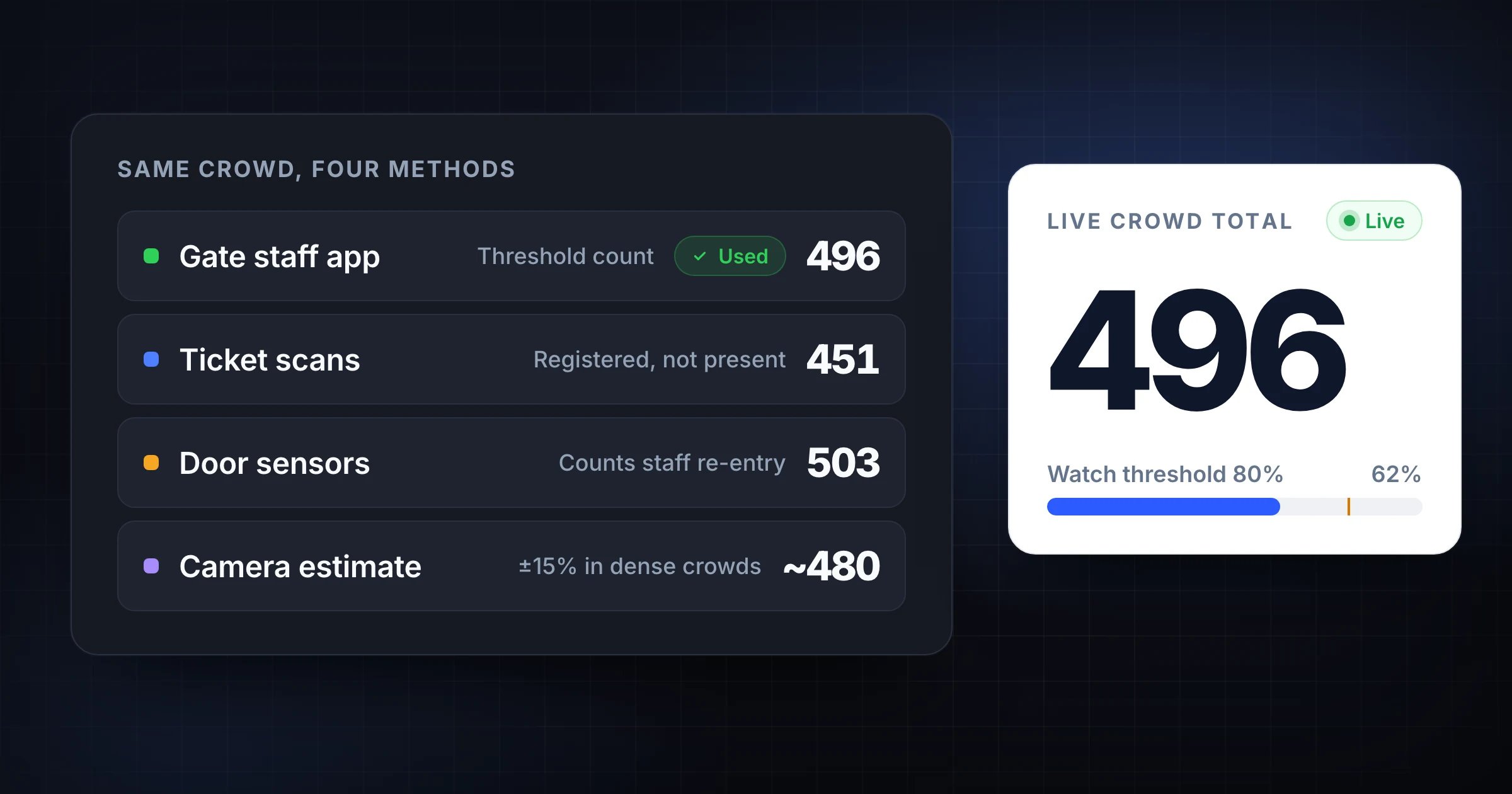
Compare crowd counting methods for events, venues, and churches. See when to use clickers, apps, cameras, sensors, scans, or estimates.
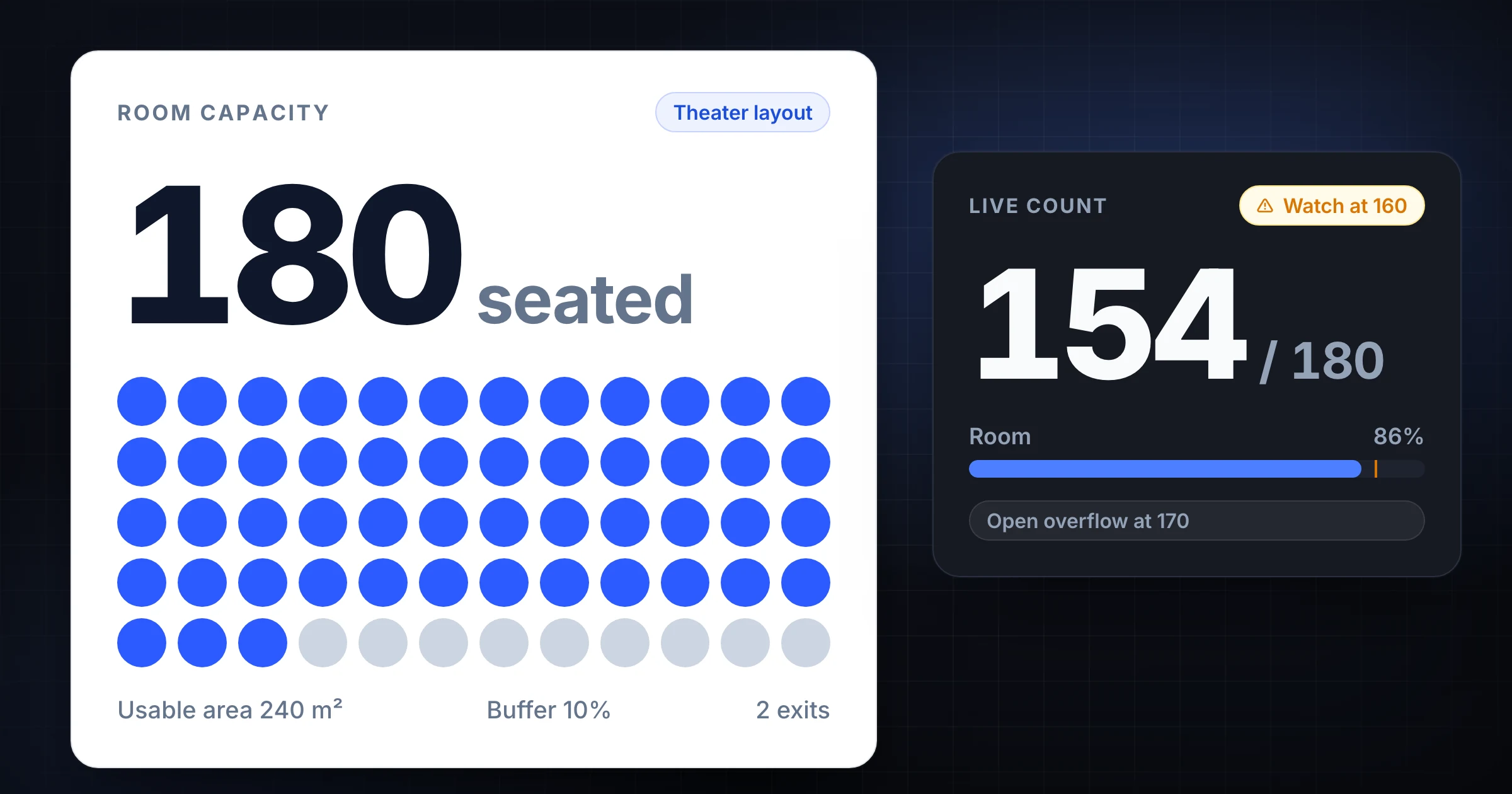
Use a room capacity calculator for events, meeting rooms, conference rooms, venues, seating plans, buffers, entrances, and live attendance counts.
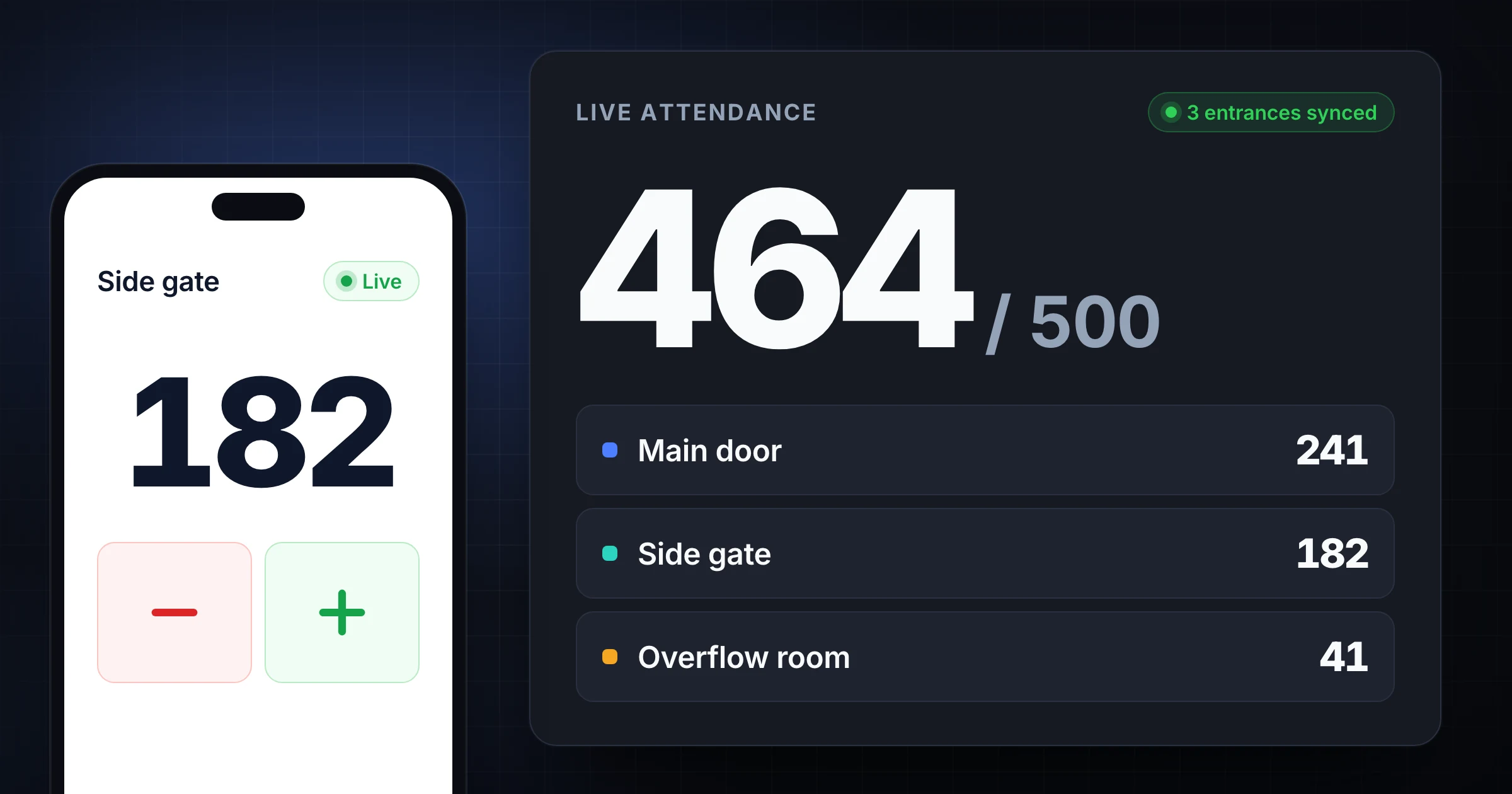
How to count attendance at multiple entrances: set one counting rule, name each door, keep a live total, and reconcile after the last person leaves.
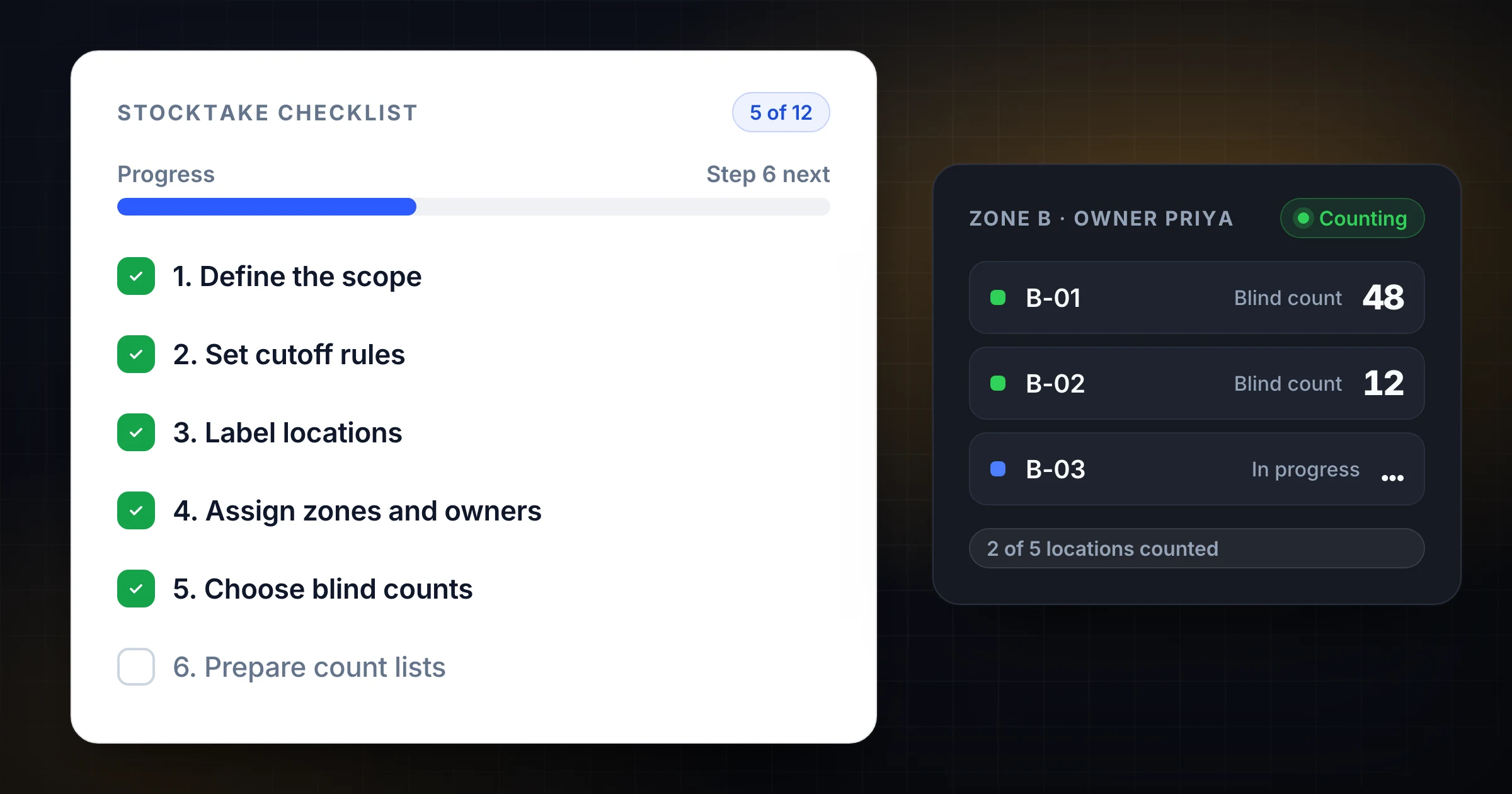
Use this 12-step stocktake checklist to plan, count, reconcile, and report warehouse inventory without losing control of the floor.
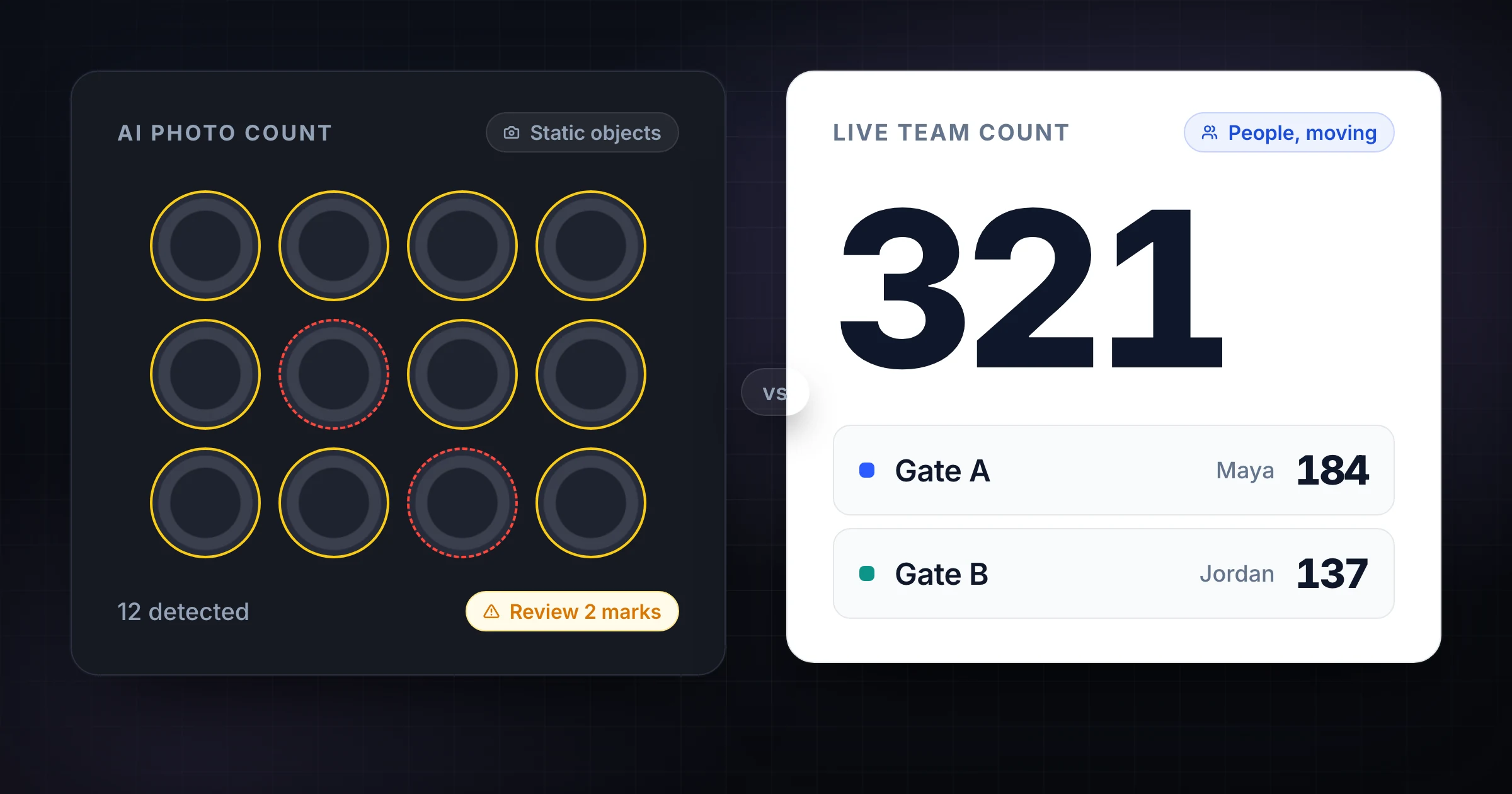
Compare SnapCount and CountThings for inventory, headcounts, and team counts. See when AI photo counting helps and when manual live counting is faster.
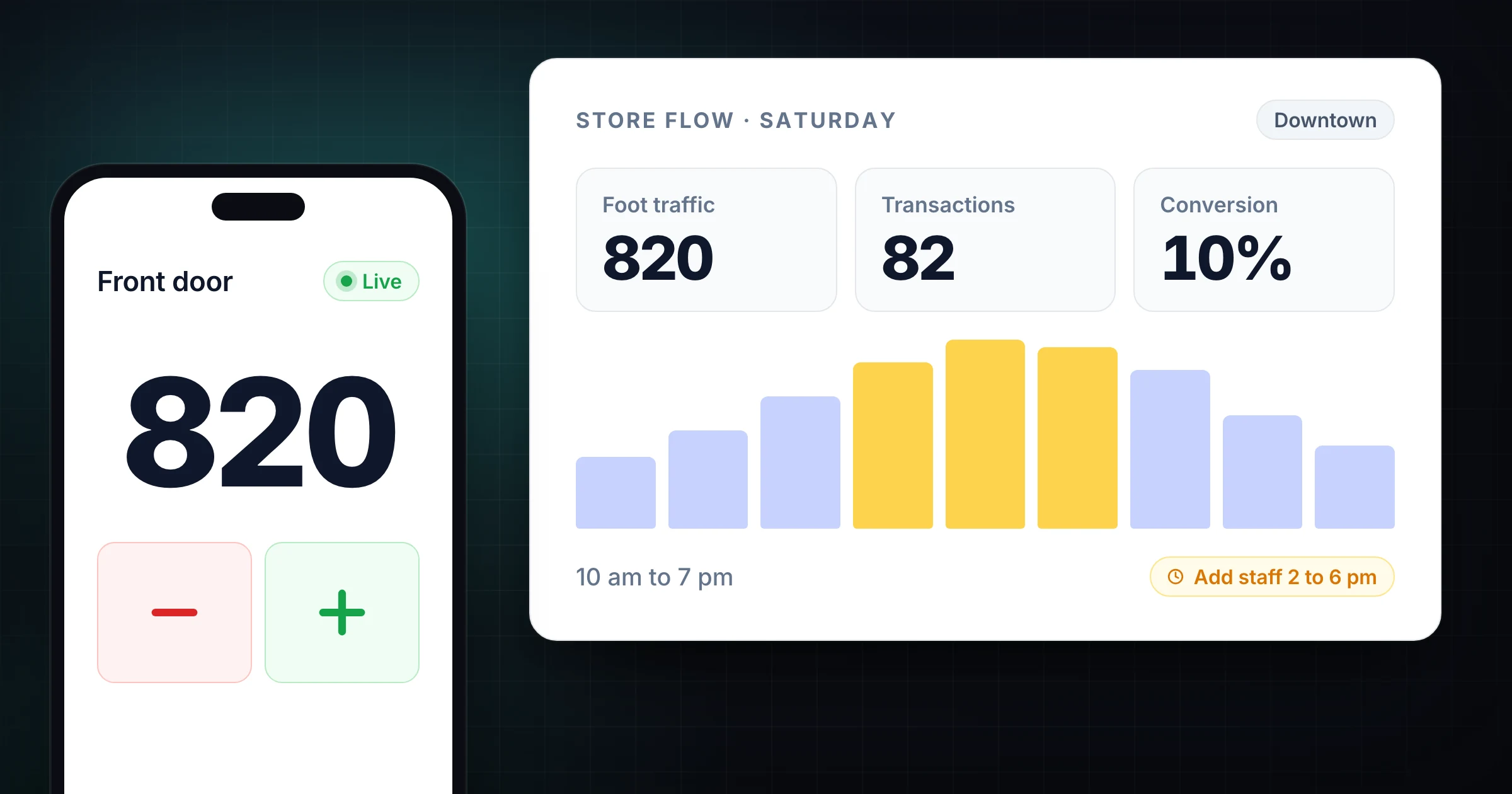
Learn how foot traffic data changes retail conversion rate reporting, staffing, merchandising tests, and store performance reviews.
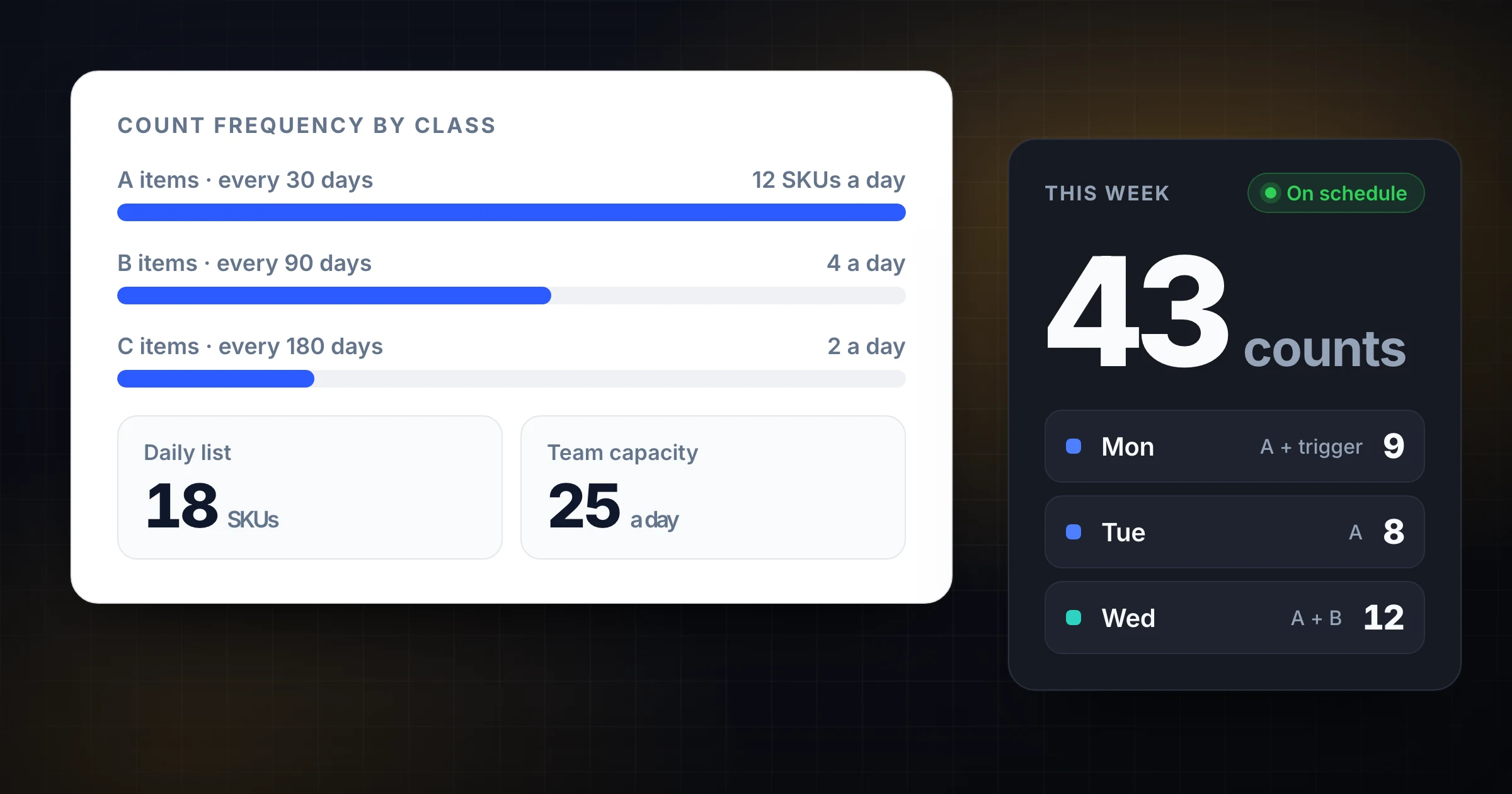
Choose the right cycle count frequency for A, B, and C items. See daily, weekly, monthly, and trigger-based schedules warehouse teams can actually run.
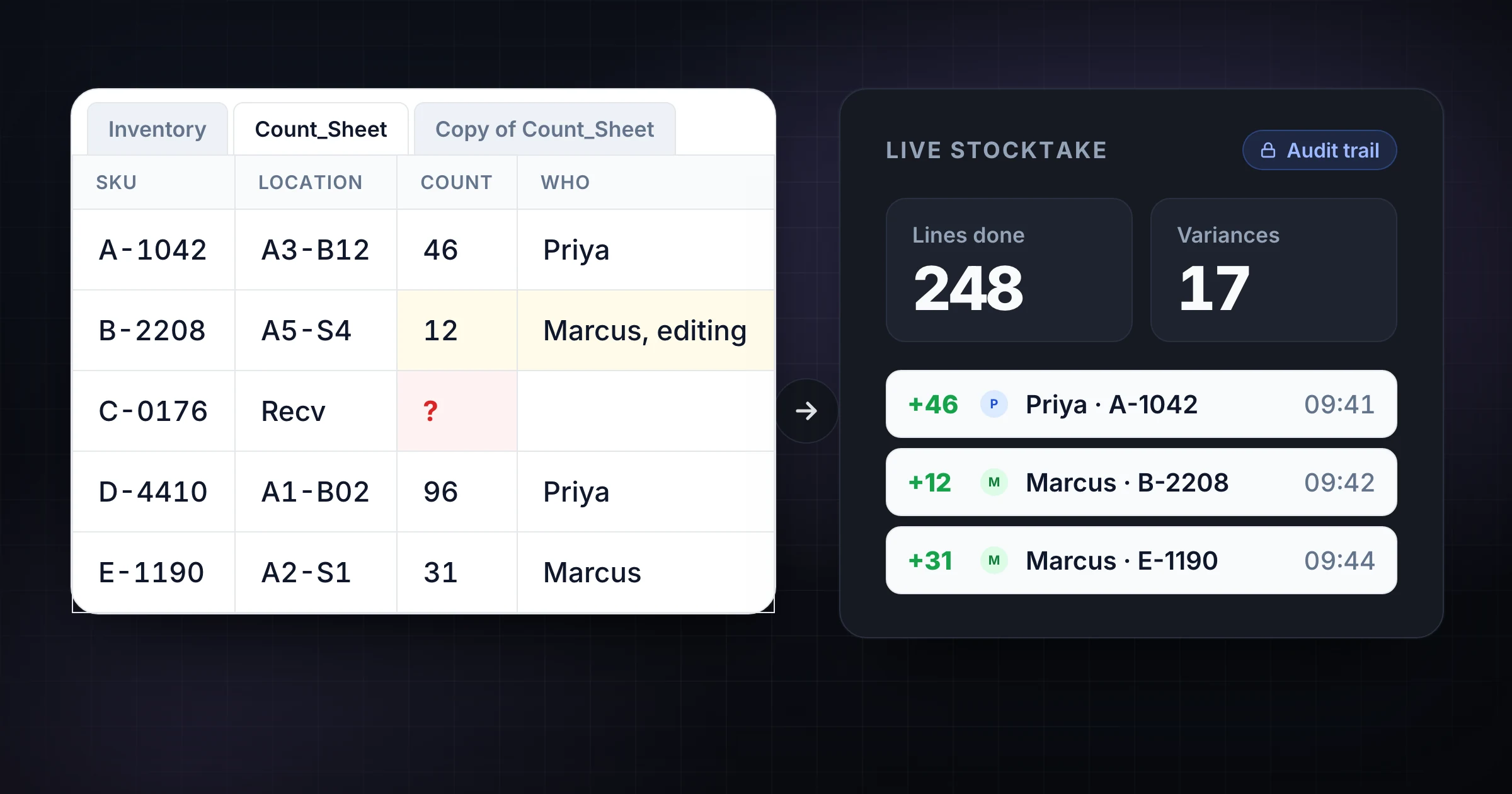
Compare Google Sheets inventory trackers with SnapCount for multi-user counts, live totals, audit trails, permissions, and warehouse stocktake workflows.