
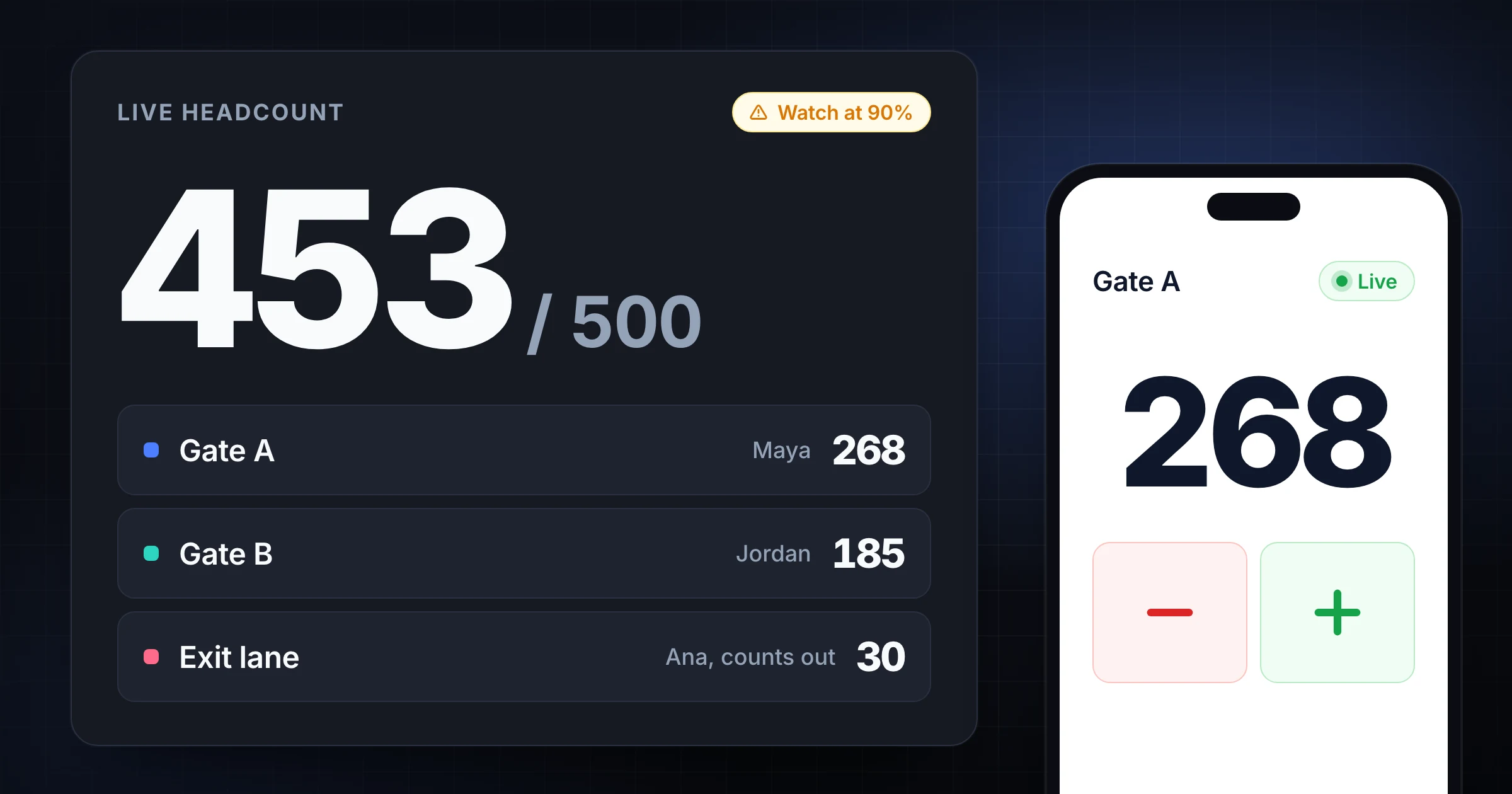
Multi-Gate Event Headcount Playbook Guide
Assign gate roles, set capacity watch thresholds, and open a free Event Command Center template so every door shares one live headcount.
EventsSnapCount Team
7 articles
Assign gate roles, set capacity watch thresholds, and open a free Event Command Center template so every door shares one live headcount.
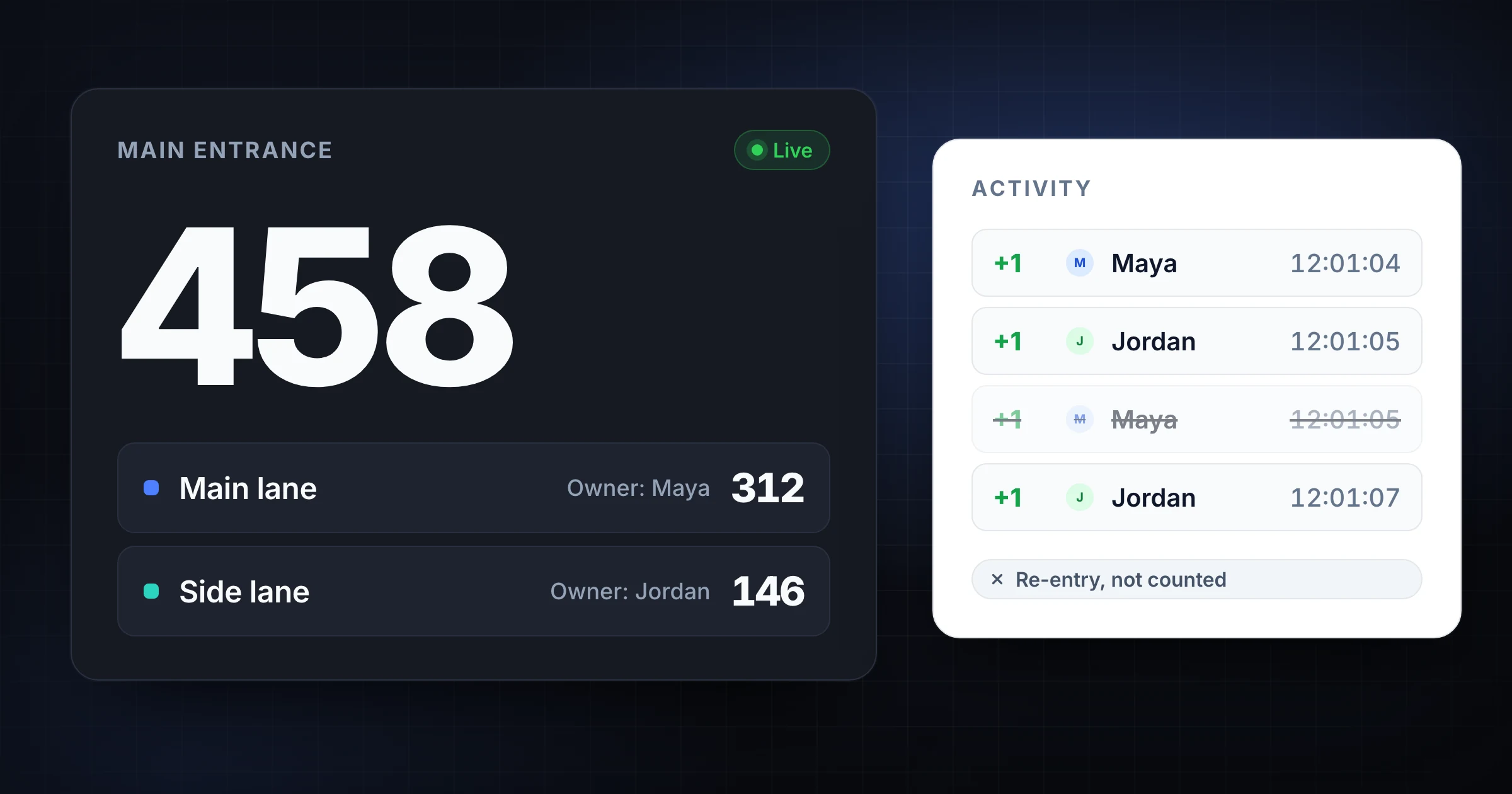
Avoid double-counting people at busy entrances with clear thresholds, assigned counters, re-entry rules, backup roles, and reconciliation.
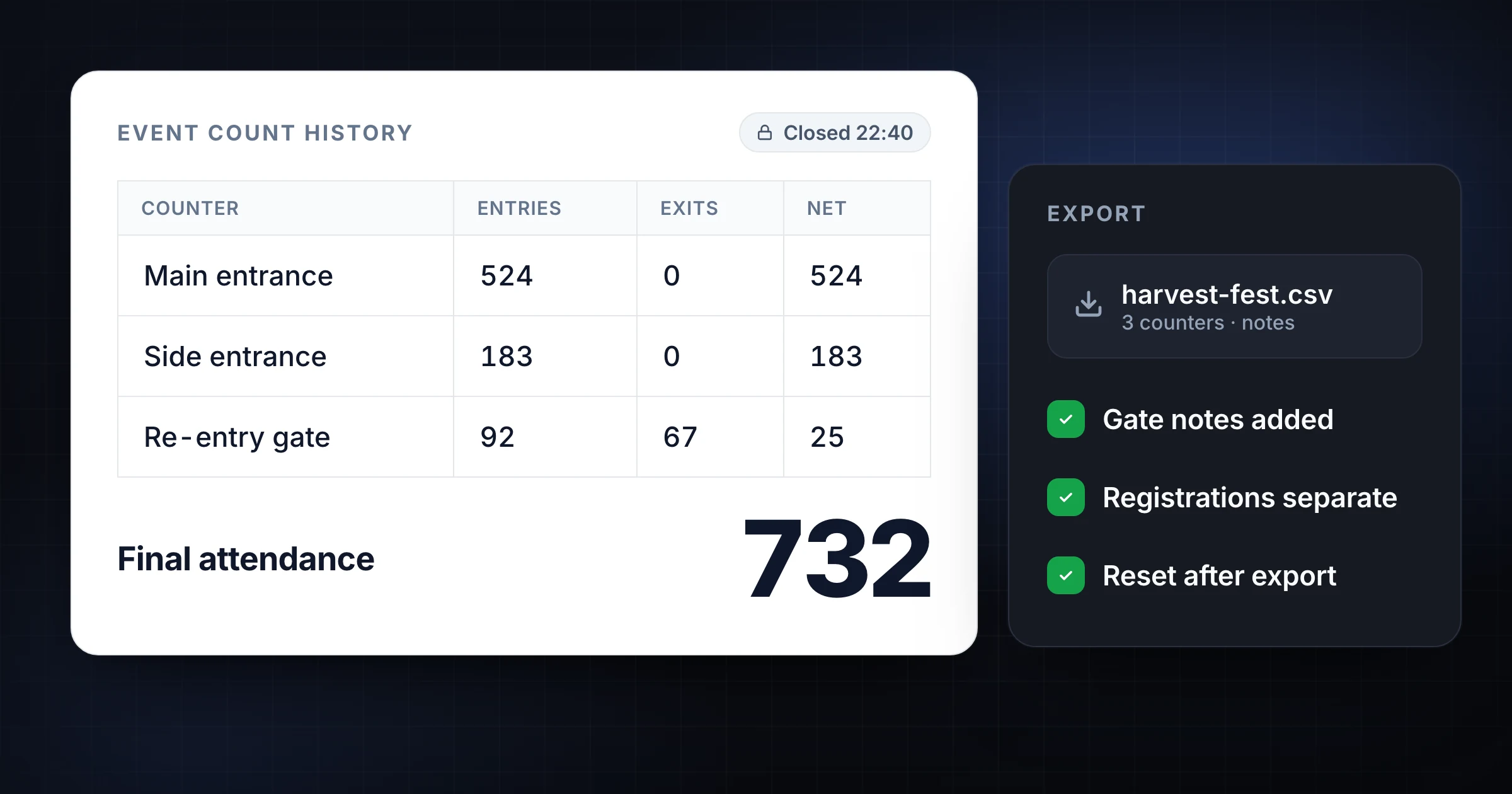
Export count history after an event without losing context. Use final totals, timestamps, gate notes, CSV reports, and a closeout checklist.
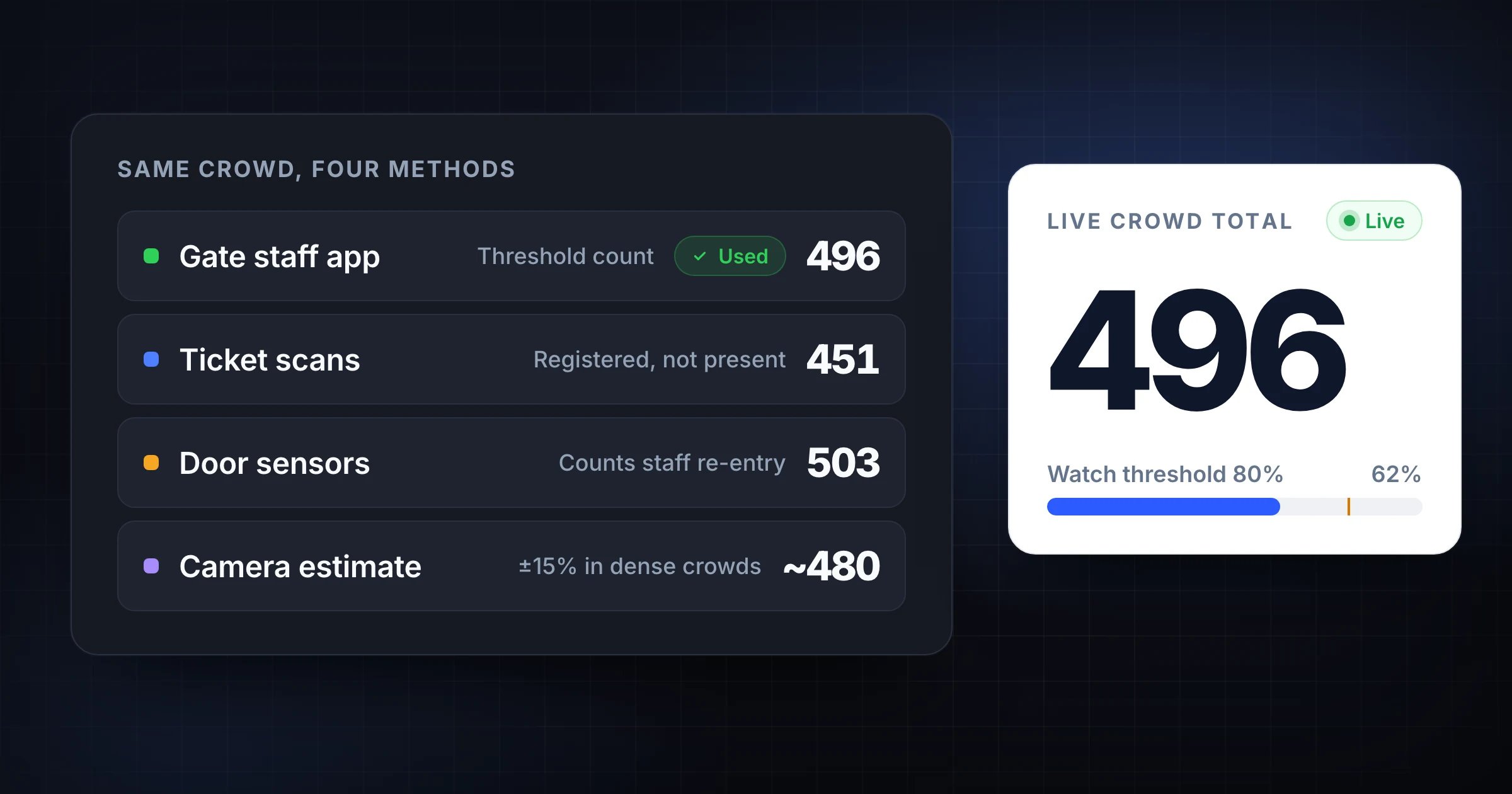
Compare crowd counting methods for events, venues, and churches. See when to use clickers, apps, cameras, sensors, scans, or estimates.
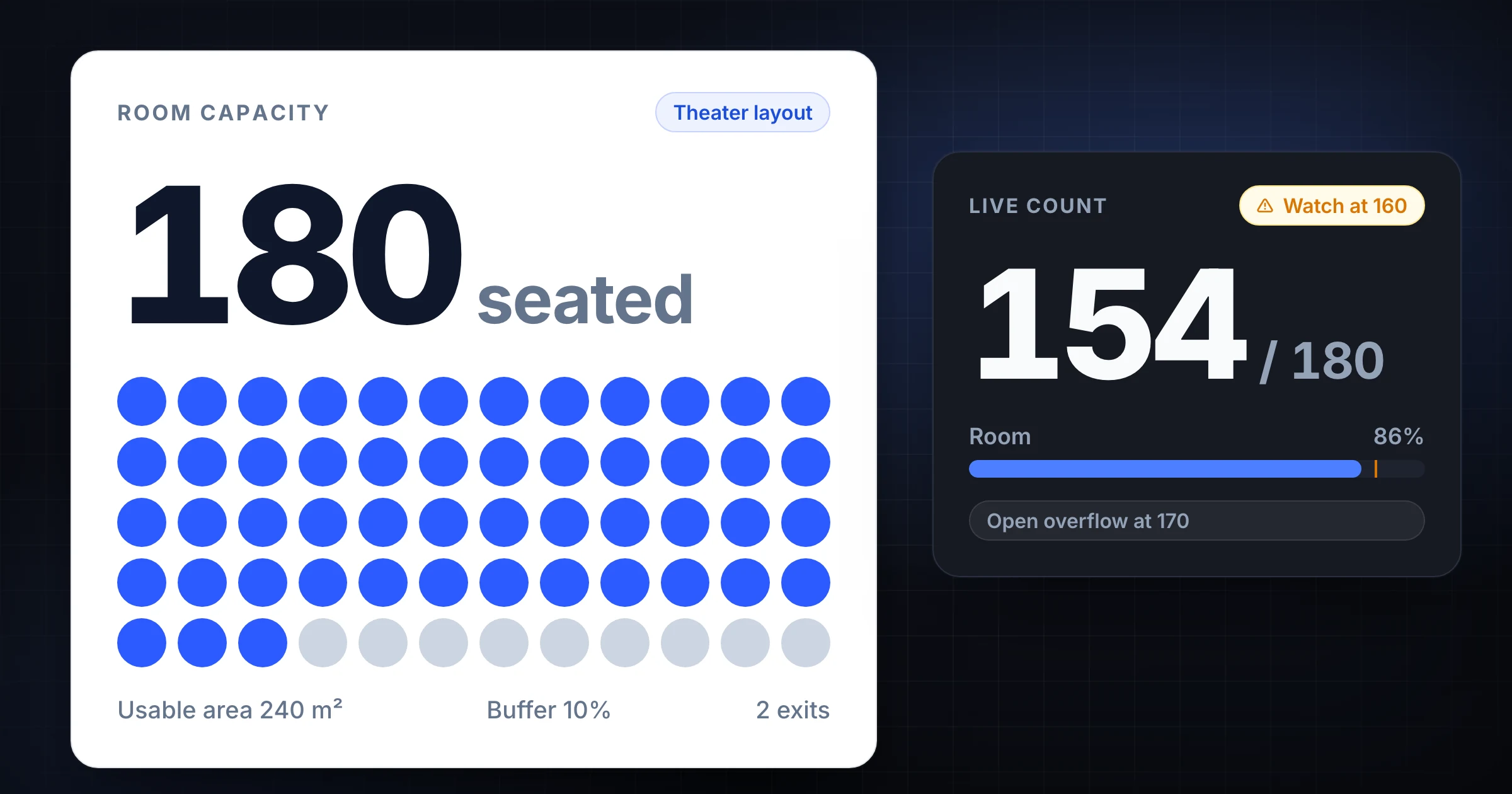
Use a room capacity calculator for events, meeting rooms, conference rooms, venues, seating plans, buffers, entrances, and live attendance counts.
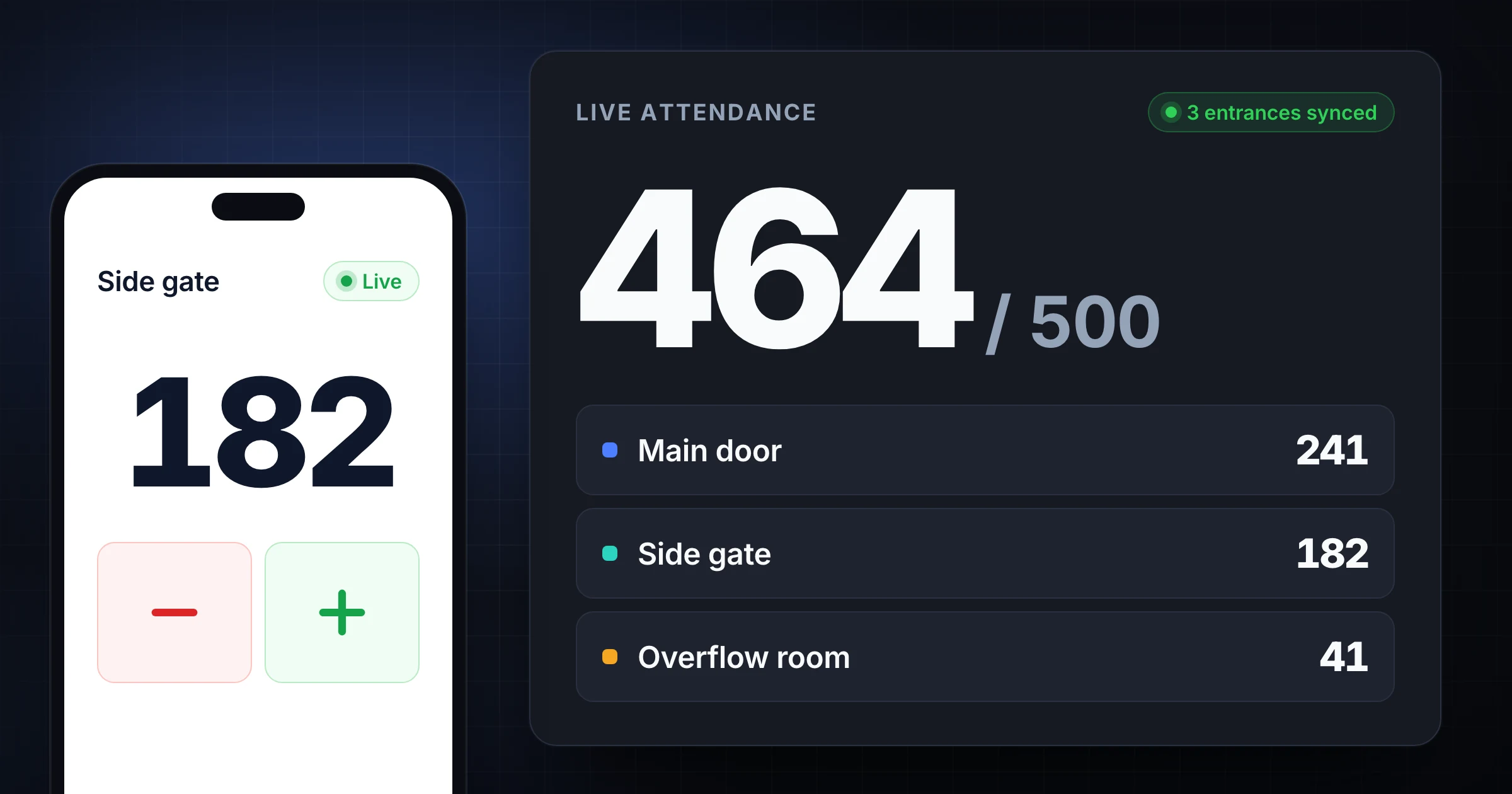
How to count attendance at multiple entrances: set one counting rule, name each door, keep a live total, and reconcile after the last person leaves.
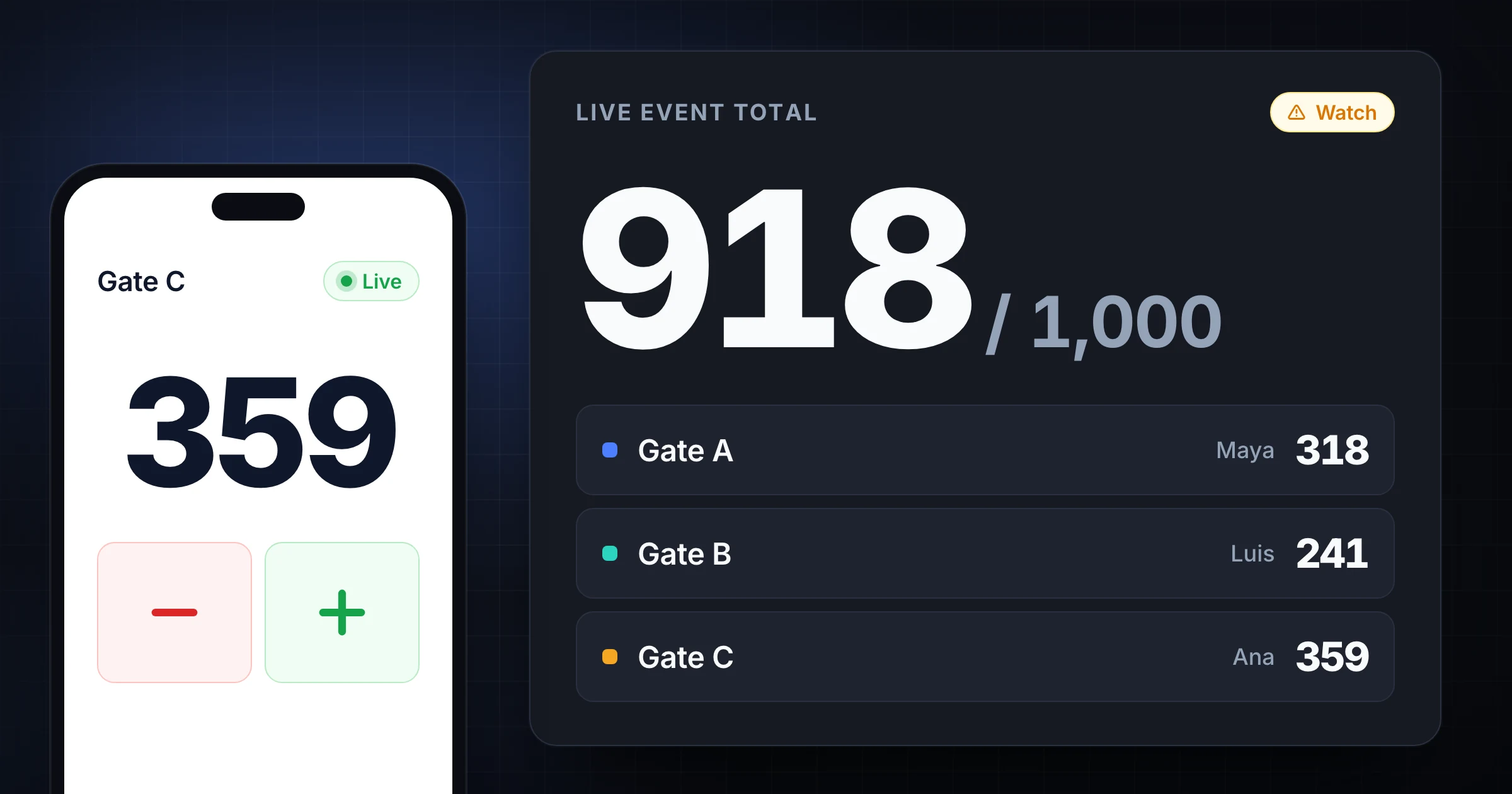
Run event headcount across multiple gates without losing the total. Use clear roles, live sync, capacity checks, and reconciliation after doors close.