
Multi-device tally counter vs basic single-phone apps
Don't trap the tally on one phone. Share one live total across devices.
Guest · no account · up to 10 devices · 1 hour, stays open while active up to 4 hours · iPhone + web
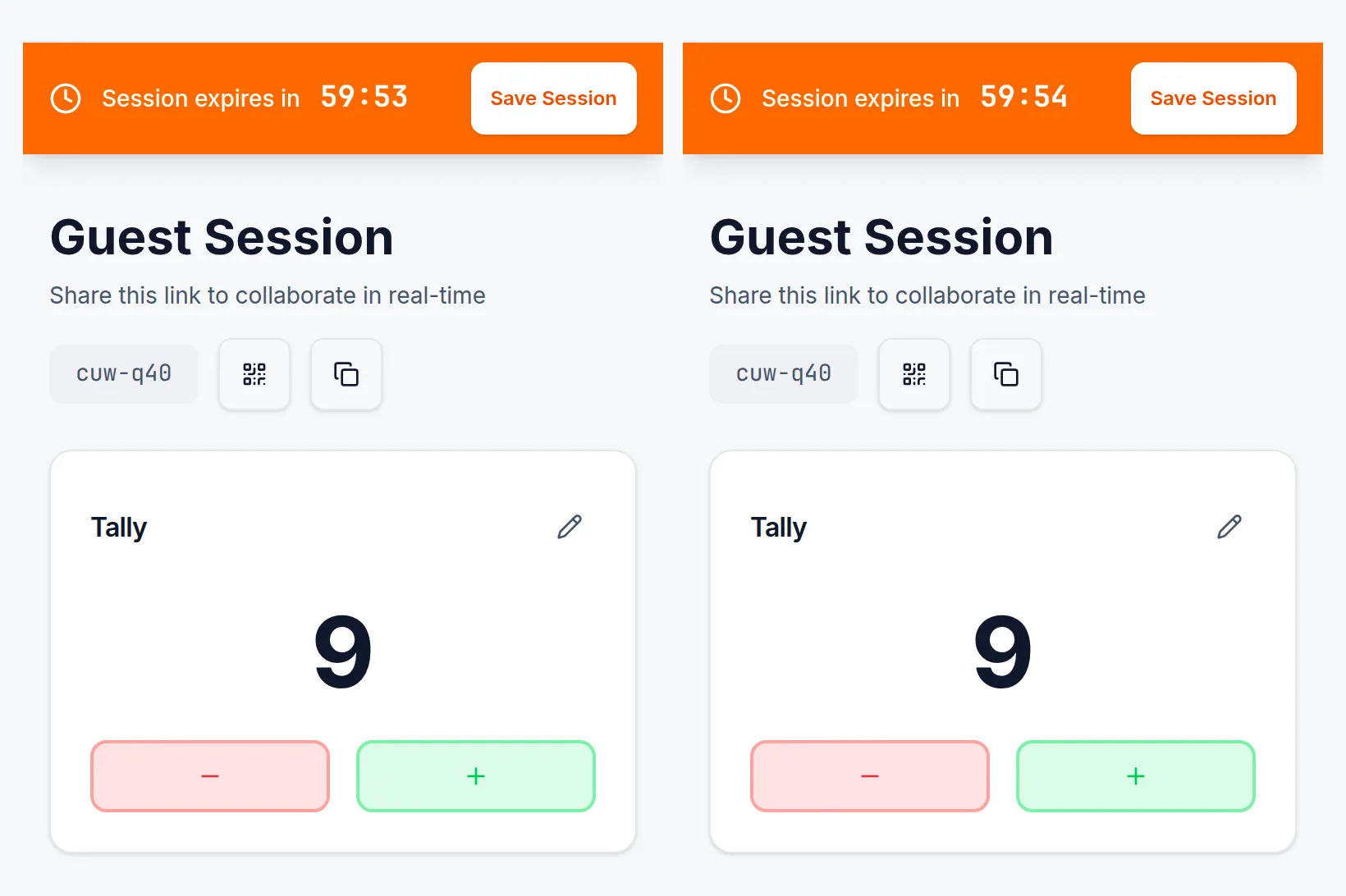
One live total
Door and desk tap the same counter. No radios, no clipboard merge at the end.
Survives the phone
Basic apps often keep the number only on that device. SnapCount keeps the count in the session/cloud so a lost phone doesn't end the night.
Invite without an install wall
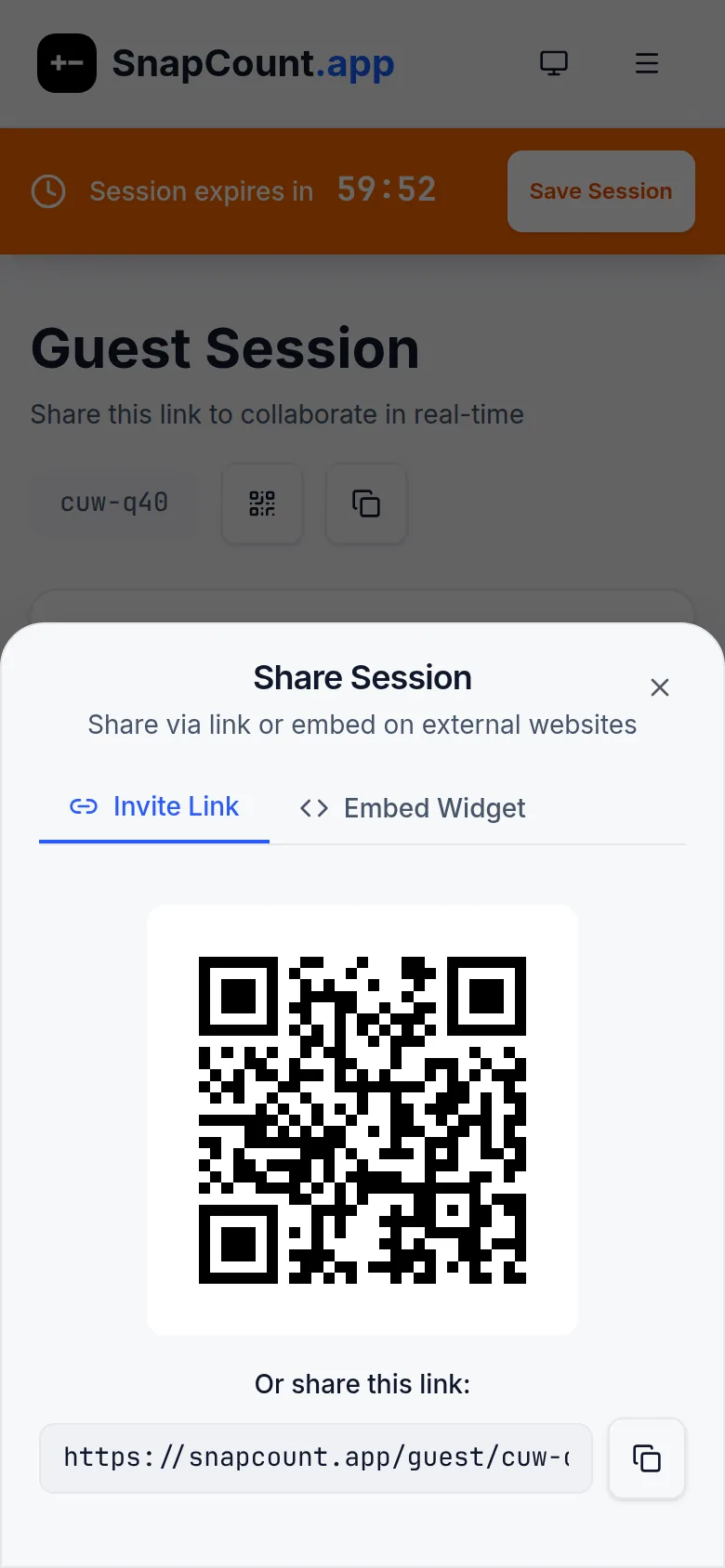
Share a link/QR; teammates join on web or iPhone. Guest proves sync tonight (up to 10 devices).
Export when the count matters
Pro adds saved counters, roles, CSV/JSON export, and signed increment/decrement webhooks.
- Store 1214
- Store 2187
- Store 3152
- Store 496
Side by side
| Feature | Basic App Store tally apps | SnapCount shared live |
|---|---|---|
| Where the count lives | On that one phone | In the shared session/cloud |
| Second person joining | Usually not possible | Share a link or QR. Join on web or iPhone |
| Desktop/laptop check | Typically no | Same live total in a browser |
| Ads | Often yes | No ads |
| Keep & export | Usually none | Pro: saved counters, roles, CSV/JSON, signed webhooks |
| Platforms | Single-phone app (varies) | iPhone + web only. No Android |
Choose a basic App Store tally if one person, one phone, and a one-off count is enough, and you are fine with ads and no export.
Guest proves live sync free (1 hour, up to 4 hours while active, ≤10 devices). Pro $15/mo or $129/yr (up to 10 members). Enterprise $39/mo or $349/yr. See pricing
Frequently asked questions
Why not a free App Store counter?
A free App Store tally is enough for one person, one phone, and a one-off count, even if it shows ads and cannot export. Those apps usually keep the count only on that device. Use SnapCount when a door and a desk need the same live total.
Is there a free way to try multi-device sync?
Yes. Start a free Guest count with no account. Guest proves live sync for 1 hour, stays open while active up to 4 hours, on up to 10 devices, on iPhone and web.
Do I need to install an app?
No. Share a link or QR. Teammates join on web or iPhone. SnapCount has no Android app.
Count together on the next one
Guest · no account · up to 10 devices · 1 hour, stays open while active up to 4 hours · iPhone + web