
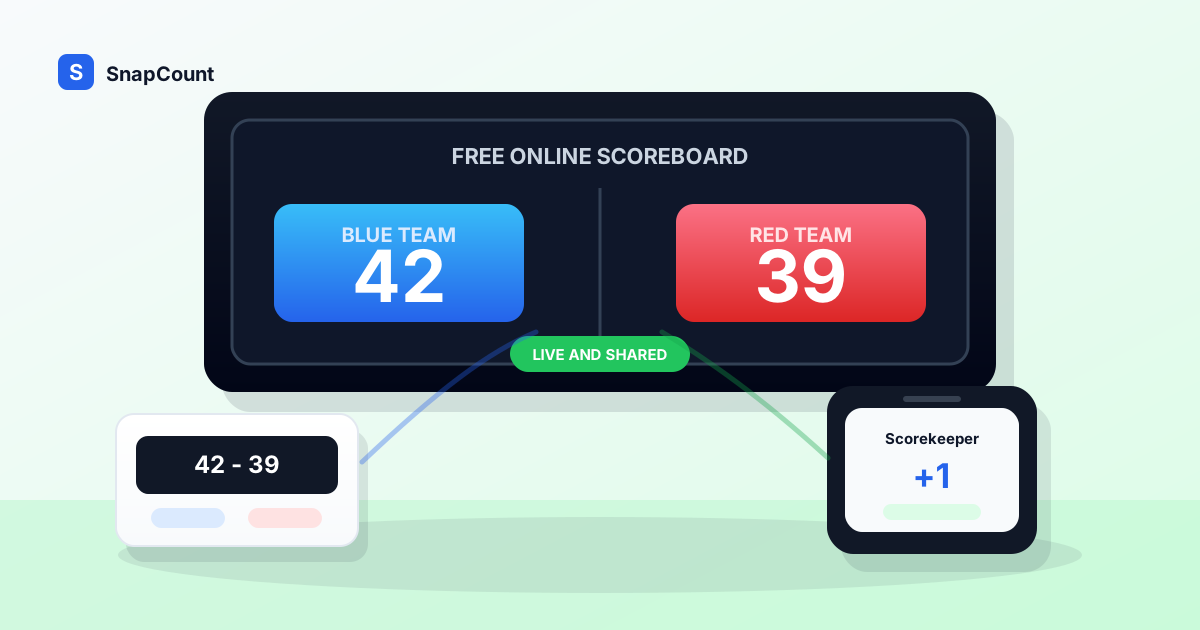
An online scoreboard is the fastest way to keep score when the people playing, watching, or helping are not all standing next to the same board. It can also work as a free score counter for simple two-team games, classroom contests, and event activities.
You do not need a dedicated app, a wall-mounted display, or a perfect gym setup. You need a scoreboard that opens in a browser, is readable from across the room, and can be shared with the people who need the live score.
Use SnapCount's free online scoreboard app when you need a simple scorekeeper for a game, classroom activity, tournament table, watch party, fundraiser, or volunteer-run event. For scoring that needs game-specific rules, use the score keeper online free hub or the seasonal cornhole scoreboard online. This guide explains when an online scoreboard is the right tool, how to set one up, and what to check before the game starts. If you want the build-and-share workflow first, use the scoreboard maker online guide, the live scoreboard link guide, or the phone-and-laptop scorekeeping guide.
What is an online scoreboard?
An online scoreboard is a browser-based scoreboard for tracking two teams, points, and game status from a phone, tablet, laptop, or shared screen.
The core job is simple:
- Show both team names clearly.
- Make the current score readable at a distance.
- Let a scorekeeper add or remove points quickly.
- Avoid accidental resets during the game.
- Work on the devices people already have.
- Share the live board when others need to follow along.
That last point is the reason online scoreboards are useful. A paper score sheet can record the result. A whiteboard can show the room. A browser scoreboard can do both and can move across devices.
If a coach updates the score on a phone, a volunteer can mirror the board to a laptop. The phone and laptop setup guide covers that workflow in detail. If a classroom game moves from one station to another, the score can move with it. If a rec league does not have a working wall scoreboard, a tablet on a table can still give everyone a clear source of truth.
When a free online scoreboard makes sense
A free online scoreboard is best when the score matters to the group but the setup should stay lightweight.
| Situation | Why an online scoreboard helps |
|---|---|
| Rec league games | No need to install software on a shared gym computer |
| Pickup games | Open the board quickly and rename the teams |
| Classroom competitions | Teachers can display the score without making a slide deck |
| Youth sports practice | Coaches can run drills and scrimmages from a phone |
| Fundraisers and games nights | Volunteers can keep score from the device they brought |
| Tournament side tables | Staff can use a laptop or tablet for each court or station |
| Watch parties | A host can track predictions, trivia, or side games live |
The common thread is speed. You want to start the game, not build an operations system.
An online scoreboard is also helpful when different people may score different games throughout the day. A browser link is easier to hand off than a downloaded app tied to one person's phone.
Online scoreboard vs paper, whiteboard, or hardware
Paper, whiteboards, and hardware scoreboards still have a place. The right choice depends on what can go wrong during the game.
| Option | Best for | Strength | Limit |
|---|---|---|---|
| Online scoreboard | Shared games, classrooms, events, casual tournaments | Fast setup, readable display, works across devices | Depends on a charged device and browser access |
| Paper score sheet | Official records and backup | Easy to review after the game | Poor live display for players and spectators |
| Whiteboard | One room with a stable audience | Visible and familiar | Hard to share or move, easy to erase |
| Wall scoreboard | Formal gyms and recurring venues | Large, polished, purpose-built | Requires hardware, controls, and venue access |
| Mobile scorekeeping app | Dedicated scorekeeper with one device | Can include sport-specific rules | Adds install friction for volunteers |
For most informal games, the online scoreboard is the best starting point. It gives you a clean public display without requiring the venue to own scorekeeping hardware.
For official games, keep a paper or digital score sheet as the record and use the online scoreboard as the live display. The scoreboard helps everyone follow the game. The score sheet protects the final result if there is a dispute.
How to set up an online scoreboard
The best scoreboard setup is boring. Everyone can see it, one person owns updates, and there is a backup if something fails.
Use this checklist before the game starts:
- Open the scoreboard on the device that will control the score.
- Rename the teams so players and spectators recognize them.
- Choose where the display will sit: laptop table, projector, TV, tablet stand, or phone held by the scorekeeper.
- Test the plus and minus controls for both teams.
- Decide who is allowed to update the score.
- Keep a backup paper score or notes app for official results.
- Check power, brightness, and screen timeout settings.
- Reset only after the result is recorded.
The screen timeout check is easy to miss. A scoreboard that goes dark every 30 seconds creates more confusion than a paper sheet. If the scoreboard will sit on a table or be mirrored to a display, adjust the device before the first point.
For a larger room, place the scoreboard higher than the scorer's lap. A laptop on a table, a tablet on a stand, or a screen cast to a TV is easier to read than a phone held at waist level.
Make the score visible and trustworthy
The scoreboard is only useful if people trust what they see.
Set a clear scoring rule before play starts. For a casual basketball game, that might mean ones and twos instead of twos and threes. For a classroom game, it might mean one point per correct answer and no negative points. For a fundraiser game, it might mean the host announces every score change out loud before the scorekeeper taps.
Then protect three things:
- Ownership: one scorekeeper updates the board unless there is a clear handoff.
- Correction: mistakes can be undone quickly without resetting the whole game.
- Finalization: the final score is recorded before anyone starts a new game.
Most scoreboard problems are not technical. They are handoff problems. Two people update the same number. Someone misses a point during a rush. The score gets reset before a tournament organizer writes it down.
Treat the scoreboard like a shared source of truth. Let it be visible to the room, but make one person responsible for changing it.
Use the scoreboard for more than sports
Online scoreboards are not only for basketball, volleyball, or soccer.
They work anywhere two sides compete and the audience benefits from a visible score:
- Classroom review games.
- Debate drills.
- Trivia nights.
- Sales team contests.
- Fundraising challenges.
- Club games and icebreakers.
- Hackathon judging rounds.
- Youth group competitions.
For these uses, team names matter more than sport rules. Rename "Home" and "Away" to "Blue Team" and "Gold Team," "Table 1" and "Table 2," or "Students" and "Teachers." The clearer the labels, the less explanation the host has to give during the activity.
If you need sport-specific scoring later, use a sport-specific scoreboard. SnapCount has dedicated options for games where rules and scoring increments matter more, including a football scoreboard online, volleyball scoreboard, pickleball scoreboard, and cornhole scoreboard. If you are deciding between a generic board and a sport-specific one, use the score keeper online guide first. For custom setup and sharing decisions, use the scoreboard maker online guide. For pickup, practice, or rec league hoops, use the basketball scoreboard online guide to set the scoring format before the first possession. For flag football rules, roles, and handoffs, use the football scorekeeping guide. For volleyball matches, use the volleyball scoreboard online guide to handle rally scoring, sets, rotations, and timeouts.
When to use a generic scoreboard vs a sport-specific one
A generic online scoreboard is the right choice when you need a clean score display and flexible team names.
Use a sport-specific scoreboard when the rules affect the scorekeeping workflow.
| Need | Use |
|---|---|
| Two teams, simple points, flexible labels | Generic online scoreboard |
| Volleyball sets and side changes | Volleyball scoreboard |
| Pickleball serving and game flow | Pickleball scoreboard |
| Cornhole rounds and race-to scoring | Cornhole scoreboard |
| A fast public display for any activity | Generic online scoreboard |
This distinction keeps the tool simple. A generic scoreboard should not force basketball rules onto a trivia night. A sport-specific scoreboard should not make the scorekeeper remember rules the tool can handle.
Start generic if you are not sure. Move to a sport-specific board when the rules create repeated manual work.
A simple game-day workflow
Here is a practical flow for a volunteer-run game:
- Open the online scoreboard 10 minutes before start time.
- Enter team names and test both score buttons.
- Put the scorekeeper where they can see the official or host.
- Display the board where players and spectators can see it.
- Keep a paper note of the halftime and final score.
- Announce corrections immediately.
- Record the final score before resetting.
- Create a fresh board for the next game if the scorekeeper changes.
For tournaments, add one more step: label each board with the court, table, or match number. "Court 2: Eagles vs Wolves" is much easier to manage than three open tabs that all say "Home vs Away."
If you are running multiple simultaneous counts or games at an event, SnapCount's other tools can help around the scoreboard. The attendance counter app is useful for entry counts, and the event capacity calculator helps with room planning before doors open.
The practical recommendation
Use a free online scoreboard when you need the score visible now and do not want device setup to slow the game down.
Use paper as a backup when the result is official. Use a whiteboard when the room is small and nothing needs to be shared. Use a wall scoreboard when the venue already has one and someone knows how to run it.
For everything else, a browser scoreboard is the cleanest middle ground. It is fast enough for pickup games, flexible enough for classrooms and events, and easy for volunteers to understand.
Open the board, name the teams, assign one scorekeeper, and keep the final score before you reset. That is enough structure for most games to run smoothly.
Frequently asked questions
What is the best free online scoreboard?
The best free online scoreboard is one that opens quickly, works in a browser, has readable scores, supports custom team names, and makes score corrections easy.
SnapCount's free online scoreboard is built for that workflow. It works on phones, tablets, laptops, and shared displays without requiring a dedicated scoreboard controller.
Can I use an online scoreboard on a TV or projector?
Yes. Open the scoreboard on a laptop, tablet, or phone, then mirror or cast that screen to the TV or projector.
For the cleanest setup, keep the scorekeeper's device plugged in, increase brightness, and disable short screen timeouts before the game starts.
Is an online scoreboard good for basketball?
An online scoreboard works well for casual basketball, rec games, pickup games, and practices where you need a simple visible score.
For leagues with official timing, fouls, possession, periods, and detailed stats, use the official scorekeeping process as the record and treat the online scoreboard as the public display.
Do I need to install an app to use an online scoreboard?
No. A browser-based online scoreboard does not require an app install.
That makes it easier for teachers, coaches, hosts, and volunteers who need to start quickly or use a shared device.
Should I use a generic scoreboard or a sport-specific scoreboard?
Use a generic scoreboard when the activity only needs two sides and a visible point total.
Use a sport-specific scoreboard when the rules affect scoring, such as sets, serving order, rounds, or game-specific increments.
About SnapCount Team
The SnapCount Team builds and tests shared counting workflows for events, inventory, attendance, and field work. We review guides when product workflows change and link to the tools we use to validate them.
Contact SnapCount support