
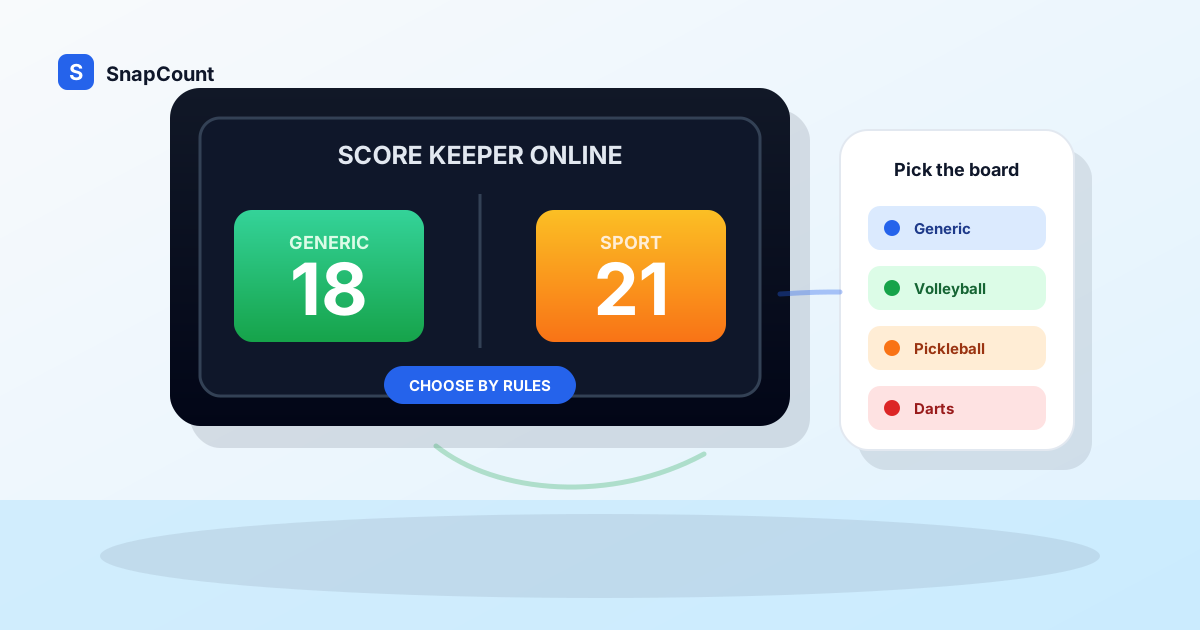
A score keeper online is useful when the game needs a visible score but the setup should stay simple.
The question is not whether a browser scoreboard can keep score. It can. The better question is which kind of scoreboard should run the game: a generic two-team board, a score keeper with flexible controls, or a sport-specific scoreboard that understands the rules.
Use SnapCount's free score keeper when you want a flexible browser-based way to track points from a phone, tablet, laptop, TV, or projector. If the game only needs team names and points, the free online scoreboard app is usually enough. If you are building a custom public display, the scoreboard maker online guide covers setup and sharing choices. If the rules create scoring work, use a sport-specific board.
What is a score keeper online?
A score keeper online is a browser-based tool for recording and displaying the score of a game, contest, class activity, fundraiser, or informal competition.
The basic job is straightforward:
- Show each side clearly.
- Let the scorekeeper add or remove points quickly.
- Keep the score readable from the playing area.
- Support quick corrections.
- Work on devices people already have.
- Avoid app installs for volunteers, teachers, coaches, and hosts.
That makes an online score keeper different from a paper score sheet. Paper is useful as a record. A score keeper is useful during play because it gives players, spectators, and helpers one visible number to trust.
The best version depends on the scoring job. A trivia night, pickup basketball game, volleyball match, and darts game can all need a scoreboard, but they do not need the same controls.
Generic scoreboard vs sport-specific scoreboard
Start with the rule burden.
If the scorekeeper only needs to add points and occasionally correct a mistake, use a generic scoreboard. If the scorekeeper has to remember sets, serving order, rounds, legs, innings, possession, or game-specific scoring limits, use a sport-specific scoreboard.
| Scoring need | Best fit | Why |
|---|---|---|
| Two teams and simple points | Generic online scoreboard | Fast setup, flexible labels, no rule overhead |
| Flexible contests or classroom games | Generic score keeper | Team names and point values matter more than sport rules |
| Basketball pickup or rec games | Generic scoreboard or score keeper | Simple points work unless you need fouls, clock, and stats |
| Volleyball sets | Volleyball scoreboard | Sets, side changes, and match flow are easier when built in |
| Pickleball games | Pickleball scoreboard | Serving flow and game structure are easy to lose manually |
| Cornhole rounds | Cornhole scoreboard | Round scoring and race-to totals are specific to the game |
| Darts | Darts scoreboard | Subtracting, bust rules, and checkout math should not be manual |
A generic scoreboard should stay generic. It should not force sport rules onto a classroom contest, sales competition, debate drill, or fundraiser game.
A sport-specific scoreboard should remove repeated decisions. If the tool can prevent a scoring mistake that happens every few minutes, it is worth using the specialized board.
When a generic score keeper is the right choice
Use a generic score keeper online when the activity is simple, custom, or hard to fit into one sport's rules.
Good examples include:
- Classroom review games.
- Debate team drills.
- Trivia nights.
- Youth group games.
- Fundraising challenges.
- Sales team contests.
- Watch party prediction games.
- Pickup games with house rules.
- Tournament side games.
- Practice drills where coaches invent the scoring system.
In these settings, the scoreboard should be flexible. You might need "Blue Team" vs "Gold Team," "Table 1" vs "Table 2," "Offense" vs "Defense," or "Students" vs "Teachers." A rigid sport app can get in the way because the activity is not trying to follow a full sport format.
The generic setup also works when the scorekeeper is a volunteer. A big score, clear team names, plus and minus controls, and a reset flow are easier to teach than a detailed scoring interface.
When to use an online scoreboard
Use the online scoreboard when the main goal is public display.
That is the best fit for games where everyone needs to see the score, but one person owns score changes. It works well on a laptop at a scorer's table, a tablet on a stand, a classroom projector, a TV, or a phone mirrored to a larger screen.
The online scoreboard is strongest for:
- Fast two-team scoring.
- Custom team names.
- Casual games without full official rules.
- Events where volunteers need an easy handoff.
- Rooms where the score should be visible from a distance.
The free online scoreboard guide covers the basic setup in more depth, while the scoreboard maker online guide focuses on custom labels, sharing, and display choices. The short version is simple: open the board, rename the teams, assign one scorekeeper, make the display visible, and record the final score before resetting.
When to use a sport-specific scoreboard
Use a sport-specific scoreboard when the rules change the scorekeeping workflow.
The easiest test is to ask what the scorekeeper has to remember.
| Sport or game | What the tool should help with |
|---|---|
| Volleyball | Sets, side changes, match flow, and quick point corrections |
| Pickleball | Serving flow, side-outs, game targets, and team labels |
| Cornhole | Round scoring, race-to totals, and score corrections |
| Darts | Countdown math, bust handling, turns, and checkout pressure |
| Basketball | Visible score for casual games, with official details handled separately if needed |
For basketball, the answer depends on how official the game is. A casual game can use a simple board. A league game with clock, fouls, timeouts, possession, player points, and an official book needs a fuller scoring process.
The basketball scoreboard online guide explains that split for pickup games, rec games, practices, and tournaments. The football scorekeeping guide covers flag football, youth scrimmages, watch party contests, and field-event handoffs. The volleyball scoreboard online guide covers rally scoring, set tracking, rotations, timeouts, and match handoffs.
How to choose the right score keeper
Use this decision path before the game starts:
- If the game has only two sides and simple points, use a generic online scoreboard.
- If the activity has custom labels or invented rules, use a flexible score keeper.
- If the sport has repeated scoring rules, use the sport-specific board.
- If the result is official, keep a paper or digital backup record.
- If several people need to follow the score remotely, use the easiest display and sharing setup.
Do not overbuild the scoreboard for a simple game. A fundraiser booth does not need official volleyball scoring. A classroom review game does not need a timer, fouls, or periods.
Also do not underbuild it when rules matter. If the scorekeeper keeps stopping to ask who serves next, whether a round score should cancel out, or whether a bust returns the score, the scoreboard is not doing enough work.
Score keeper setup checklist
Before play starts, run through this checklist:
| Check | Why it matters |
|---|---|
| Team or side names are clear | Players and spectators should not guess which score is theirs |
| One scorekeeper is assigned | Shared visibility does not mean shared control |
| Corrections are understood | Mistakes should be fixed quickly without resetting |
| Display is readable | A tiny phone screen is fine for the scorer, not for a room |
| Screen timeout is disabled | A sleeping display creates confusion |
| Power is available | Long events need a charger or battery pack |
| Final score is recorded | Reset should happen after the result is saved |
Most scorekeeping problems come from handoffs, not from software. Someone changes the score without telling the main scorer. A final score is reset before the bracket is updated. A volunteer opens a fresh board but forgets the team names.
The fix is simple process. Pick one scorekeeper, make the score visible, and write down the final result before starting the next game.
Score keeper online examples
Here are practical setups for common situations:
| Situation | Recommended setup |
|---|---|
| Pickup basketball | Generic scoreboard on a phone or tablet, with agreed 1s and 2s or 2s and 3s |
| Classroom quiz | Generic score keeper on a projector with custom team names |
| Volleyball match | Volleyball scoreboard on a tablet or laptop near the court |
| Pickleball doubles | Pickleball scoreboard where the scorer can follow serving changes |
| Cornhole fundraiser | Cornhole scoreboard for each lane or station |
| Darts night | Darts scoreboard that handles countdown scoring |
| Trivia night | Generic scoreboard with table names and a backup sheet |
| Youth sports practice | Generic scoreboard for drills, sport-specific board for scrimmages when rules matter |
For tournaments, label every board with the court, lane, table, or match. "Court 2: Blue vs Gold" is much easier to manage than several open boards with the same default team names.
If you are running a larger event around the game, the scoreboard may be only one part of the workflow. Use an attendance counter app for arrivals and an event capacity calculator before doors open.
The practical recommendation
Use the simplest score keeper that handles the real rules of the game.
For casual games, classes, contests, and fundraisers, start with a generic online scoreboard or flexible score keeper. It is fast, visible, and easy for volunteers to understand.
For sports where the rules create repeated scoring decisions, move to the sport-specific scoreboard. That keeps the scorekeeper from doing rule math while also watching the game.
The setup should feel boring: name the sides, assign one scorekeeper, make the display readable, correct mistakes quickly, and save the final result before reset. That is enough structure for most games to run cleanly.
Frequently asked questions
What is the best score keeper online?
The best score keeper online is one that matches the game. Use a generic online scoreboard for simple two-team scoring, a flexible score keeper for custom contests, and a sport-specific scoreboard when the rules affect scoring.
SnapCount offers free browser-based scorekeeping tools that work on phones, tablets, laptops, TVs, and projectors.
Do I need a sport-specific scoreboard?
You need a sport-specific scoreboard when the sport's rules create repeated scorekeeping work.
Volleyball sets, pickleball serving flow, cornhole round scoring, and darts countdown math are good reasons to use a specialized board. For simple casual games, a generic scoreboard is usually faster.
Can I use an online score keeper on a TV?
Yes. Open the score keeper on a laptop, tablet, or phone, then mirror, cast, or connect that device to a TV or projector.
Keep the device charged, increase brightness, and disable short screen timeouts before the game starts.
Is a generic online scoreboard enough for basketball?
For pickup basketball, practices, PE classes, and many rec games, a generic online scoreboard is usually enough.
For official games with fouls, timeouts, possession, clock operation, rosters, and player stats, keep the official scoring process as the record and use the online board as the public display.
Should I keep a paper score sheet too?
Use a paper or digital backup when the result matters after the game.
The online score keeper keeps the live score visible. The backup protects the final result if a device closes, a screen resets, or someone disputes the score later.
About SnapCount Team
The SnapCount Team builds and tests shared counting workflows for events, inventory, attendance, and field work. We review guides when product workflows change and link to the tools we use to validate them.
Contact SnapCount support