
Tally Count alternative: shared live counting with a free Guest prove-it
Tally Count covers solo tallies and Pro org sync in the browser. SnapCount is for crews who need to prove multi-device sync in minutes, keep working on iPhone + web, and graduate to Pro or Enterprise when the count becomes an operating record.
Choose SnapCount for a $0 Guest session on iPhone and web, then Pro at $15/mo or $129/yr (up to 10 members) or Enterprise at $39/mo or $349/yr. Stay on Tally Count for its free browser tally, Solo at $15 once, or Pro org reporting from $79/yr for up to 10 users yearly (their calculator shows about $1 per user monthly. Confirm on tallycount.app). Both have a read-only API on a paid org plan. SnapCount also has signed webhooks on Pro and above. SnapCount has no Android app; Android phones use it in the browser.
$0 · No account · No credit card · Starts with 1 hour, up to 4 hours while active · Up to 10 devices · iPhone + web, Android via browser
When to switch
Tally Count lists a free browser tally, a Solo $15 one-time path, and Pro org sync with Excel, scheduled emails, and a read-only API. SnapCount is the alternative when the crew needs to prove one live total across devices in minutes, stay on iPhone and web, and keep that number as an operating record on Pro or Enterprise.
Which one is right for you?
Tally Count is a fit when
- A free browser tally is enough for one person.
- You want Solo at $15 once.
- You want Pro org sync, Excel export, scheduled emails, and a read-only API.
- You need Pro seats in the 10 to 100 range and prefer a browser-first tool.
SnapCount is a fit when
- A crew needs to prove multi-device sync in minutes with Guest $0.
- Your crew counts on iPhones, Android phones, or laptops. SnapCount has an iPhone app and works in any browser. There is no Android app.
- Pro at $15/mo or $129/yr covers up to 10 members, saved counters, roles, stats, and CSV/JSON.
- You want signed increment/decrement webhooks on Pro, or Enterprise threshold alerts and threshold.alert.fired.
Side by side
Tally Count details are as listed on tallycount.app. Where they do not list a detail, the cell says Not listed. Check their site for current terms.
| Feature | Tally Count | SnapCount |
|---|---|---|
| Primary job | Solo tallies and Pro org sync in the browser | Shared live manual counting for a crew |
| Free path | Free browser tool | Guest $0, no account, no credit card |
| Paid priceTally Count monthly pricing is about $1 times users in their calculator. Confirm the current monthly price on tallycount.app. | Solo $15 once. Pro org reporting from $79/yr for up to 10 users yearlySource: tallycount.app | Pro $15/mo or $129/yr. Enterprise $39/mo or $349/yr |
| Devices / seats | Pro seats 10 to 100 | Guest up to 10 devices. Pro up to 10 members. Enterprise unlimited members |
| Platforms | Browser-first | iPhone + web. No Android app; works in Android browsers |
| Exports | Excel and scheduled emails on Pro | Pro+: CSV/JSON snapshot and daily export. Enterprise: timestamped export |
| API | Read-only API on a paid org plan | Read-only public API on Pro and Enterprise (sc_live_ keys) |
| Webhooks | Not listedSource: tallycount.app | Pro+: signed counter.increment and counter.decrement. Enterprise: threshold.alert.fired |
| Browser without install | Yes. Browser-first | Yes. Guest opens in a browser |
Where each one wins
When SnapCount wins
- You need free Guest proof that a second device can join by QR or link.
- The crew works on iPhone and web.
- Pro at $15/mo or $129/yr, with signed webhooks, is the paid org step you want.
- Enterprise threshold alerts (inbox and email) and timestamped export matter.
When Tally Count may fit
- A free browser tally or Solo $15 once is enough.
- You want Pro org reporting from $79/yr for up to 10 users yearly, with Excel and scheduled emails.
- You need Pro seats above 10, in their 10 to 100 range, and you are browser-first.
What SnapCount does not do
- SnapCount has no Android app. It has an iPhone app and works in any web browser, including on Android phones.
- SnapCount is collaborative manual counting, not sensors or cameras.
- SnapCount does not certify capacity, fire code, or legal occupancy. Confirm requirements with the venue and relevant authorities.
How the switch works
There is no importer. Prove the live total first, then recreate the counters you still need.
Start a Guest count
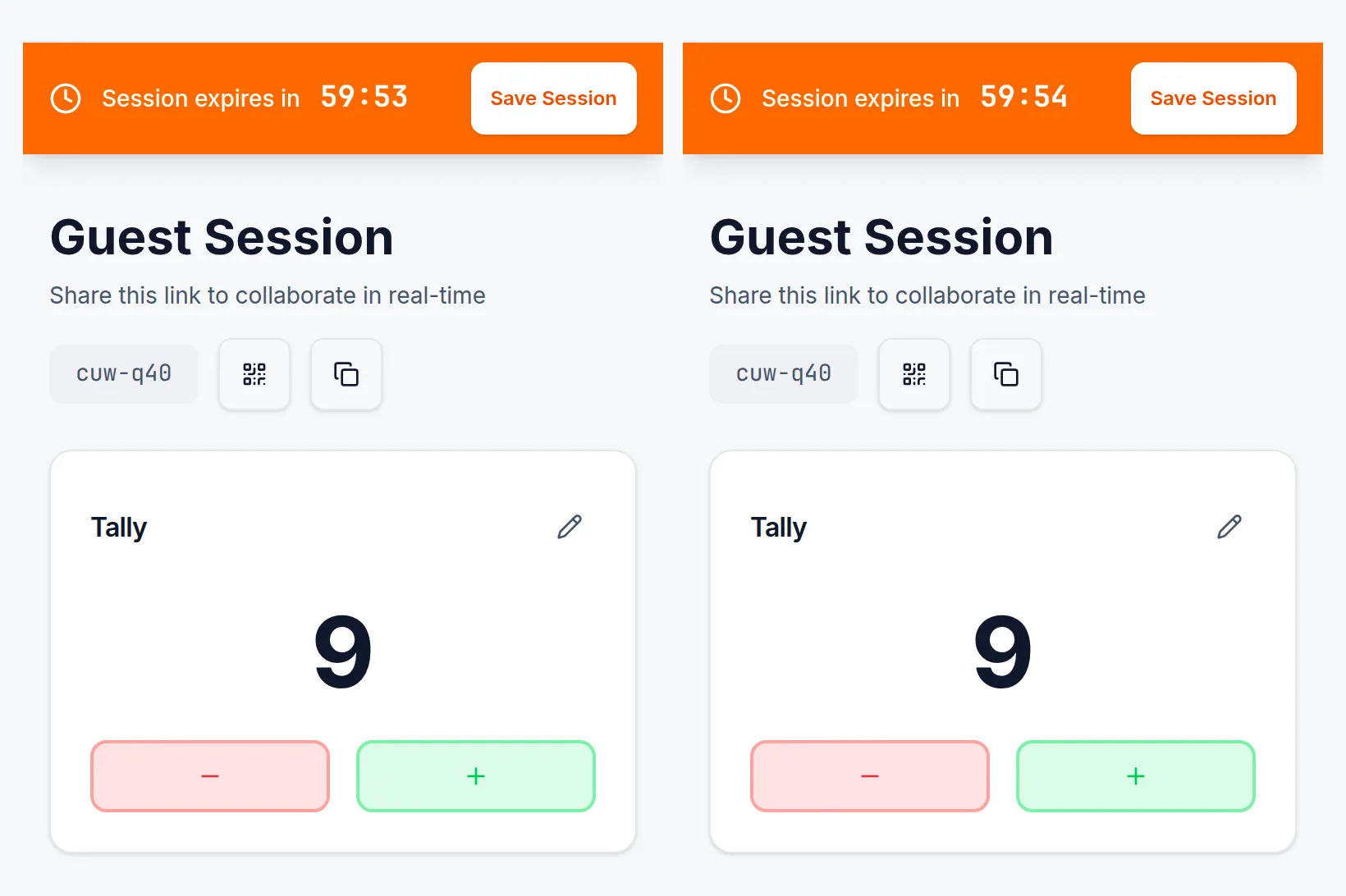
Open SnapCount in a browser. No account and no credit card. The session starts with 1 hour and stays open while active for up to 4 hours, on up to 10 devices.
Share the QR or link
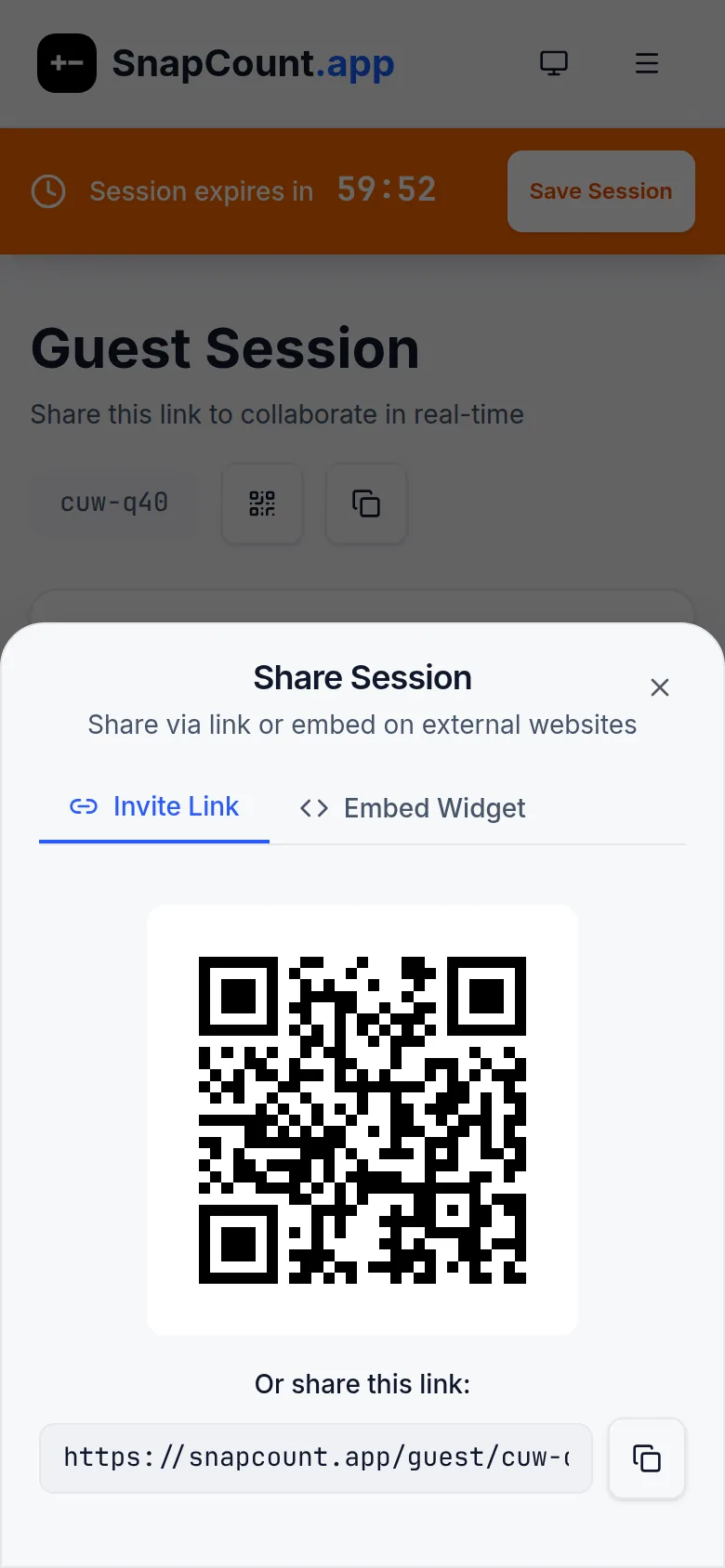
A second phone or laptop joins the same live total. That is your proof before anyone pays.
Recreate the record on Pro or Enterprise
There is no importer from Tally Count. When the tally becomes an operating record, create the counters again in a paid organization so you can save, invite, export, or alert.
Guest, Pro, and Enterprise
Guest
$0
no account
- No account. No credit card.
- Starts with 1 hour, stays open while active up to 4 hours.
- Up to 10 devices. iPhone + web, Android via browser.
Pro
$15/mo
or $129/yr per organization
- Up to 10 members.
- Saved counters, roles, and stats.
- CSV/JSON snapshot and daily export.
- Read-only API. Signed increment/decrement webhooks.
Enterprise
$39/mo
or $349/yr per organization
- Unlimited members.
- Activity logs, locks, and timestamped export.
- Capacity threshold alerts to inbox and email.
- Higher API rates. threshold.alert.fired webhook.
- Store 1214
- Store 2187
- Store 3152
- Store 496
Customer testimonial: SnapCount has been a simple and effective solution for tracking daily customer traffic across our retail stores. The team has been responsive to feedback, and we're excited about upcoming features too.
Every store's and builder's count live, from the phones your crew already carries.
Frequently asked questions
How does SnapCount pricing compare to Tally Count?
SnapCount Guest is $0. Pro is $15/mo or $129/yr for up to 10 members. Enterprise is $39/mo or $349/yr. Tally Count has a free browser tool, Solo at $15 once, and Pro org reporting from $79/yr for up to 10 users yearly. Their monthly calculator is about $1 times users. Confirm current monthly pricing on tallycount.app.
Do both products have an API?
Both have a read-only API on a paid org plan. SnapCount also has signed increment and decrement webhooks on Pro and above, plus threshold.alert.fired when an Enterprise threshold alert fires. SnapCount has no public write API. On Pro and Enterprise, its MCP server lets an AI assistant read counts and create counters, never change a count.
Does SnapCount have an Android app?
No. SnapCount has an iPhone app and works on Android phones in the browser.
Can I prove multi-device sync before paying?
Yes. Start a Guest session with no account. Share the QR or link. Sessions start with 1 hour and stay open while active for up to 4 hours, on up to 10 devices.
How do I switch from Tally Count?
Start a Guest count, share the QR, confirm the live total, then recreate the counters in Pro or Enterprise when you need a saved operating record. There is no importer.
Is Lifetime $49 or a Team plan still offered?
No. Those are not current offers. Existing Team $49 lifetime buyers keep access as Lifetime (legacy). Current listed plans are Guest, Pro, and Enterprise, and Pro or Enterprise can be paid once with Lifetime at $199 or $399.
Run your next count both ways and compare
$0 · No account · No credit card · Starts with 1 hour, up to 4 hours while active · Up to 10 devices · iPhone + web, Android via browser
$0 · No account · iPhone + web, Android via browser