
CountTogether alternative: when the shared count becomes work
CountTogether is a shared counter app for friends and teams on iPhone and Android, with widgets, Shortcuts, and countdowns. SnapCount is the alternative when the count is for work: gates, services, stocktakes, or shifts, where you need roles, locks, exports, and a record afterward.
Pick SnapCount when a shared count is part of an operation and needs a record: roles, counter locks, an activity log, timestamped CSV export, and a browser join with no app install. Guest is free with no account, Pro is $15/mo or $129/yr per organization. Stay on CountTogether for personal or social counters, home screen widgets, iOS Shortcuts, Days Since and Countdown counters, or an Android app. SnapCount runs on iPhone and web, with no Android app.
$0 · No account · No credit card · Starts with 1 hour, up to 4 hours while active · Up to 10 devices · iPhone + web (no Android)
When to switch
Both products put several phones on one live number by link or QR. CountTogether leans toward friends, habits, and games. SnapCount leans toward the crew at the door or in the aisle, and the report someone asks for the next morning.
Which one is right for you?
CountTogether is a fit when
- You share counters with friends, family, or a partner.
- You want home screen widgets and iOS Shortcuts to count without opening the app.
- You need Days Since or Countdown counters.
- Some of your people use Android phones and want an app.
SnapCount is a fit when
- The count is for work and someone will ask for the numbers afterward.
- You need roles, counter locks, an activity log, or timestamped exports.
- You count on a laptop or tablet in the browser as well as on phones.
- You want Pro at $15/mo or $129/yr per organization for up to 10 members.
Side by side
CountTogether details are as listed on counttogether.app. Where they do not list a detail, the cell says Not listed. Check their site for current terms.
| Feature | CountTogether | SnapCount |
|---|---|---|
| Primary job | Shared counters for friends and teams | Shared live counts for operations teams |
| Free path | Free to start, no account neededSource: counttogether.app | Guest $0, no account, join from a browser |
| Paid price | Pro subscription sold in the appSource: counttogether.app | Pro $15/mo or $129/yr per organization. Enterprise $39/mo or $349/yr |
| Join | Link or QR code, no sign-upSource: counttogether.app | Link or QR code, no sign-up, count in any browser |
| Platforms | iPhone and Android apps, public web pages | iPhone app + web. No Android app |
| Widgets and Shortcuts | Home screen widgets and iOS ShortcutsSource: counttogether.app | Not yet |
| Team controls | Not listedSource: counttogether.app | Owner, Admin, and Member roles on Pro. Counter locks and activity log on Enterprise |
| Exports | Not listedSource: counttogether.app | Pro+: CSV/JSON snapshot and daily export. Enterprise: timestamped event export |
Where each one wins
When SnapCount wins
- Counting happens on laptops and tablets at a desk as well as on phones.
- A manager needs a saved record, exports, and who changed what.
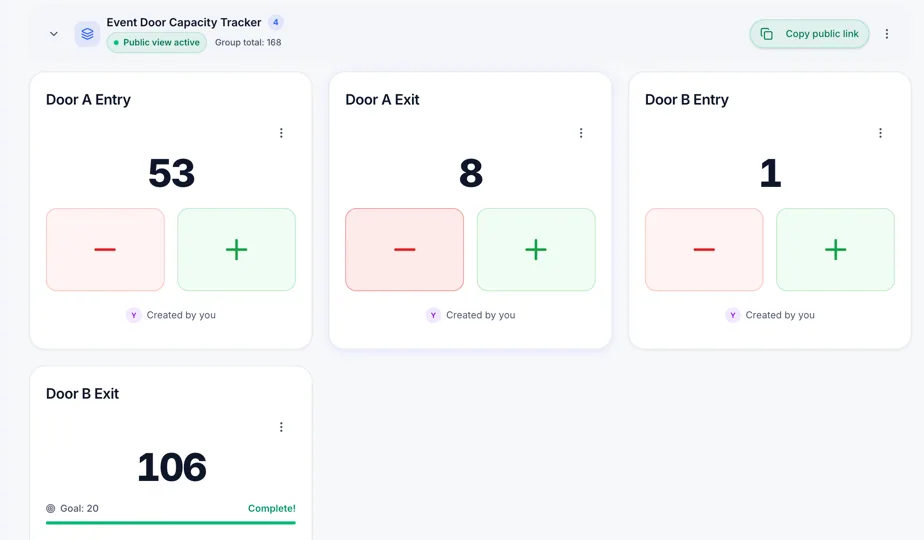
- Several doors, stations, or aisles roll up into one total with a report afterward.
When CountTogether may fit
- The counter is personal, social, or a game with friends.
- Widgets, Shortcuts, and countdowns matter more than reports.
- Android apps are a requirement.
What SnapCount does not do
- SnapCount has no Android app. Platforms are iPhone and web only.
- SnapCount is collaborative manual counting, not sensors or cameras.
- SnapCount does not certify capacity, fire code, or legal occupancy. Confirm requirements with the venue and relevant authorities.
How the switch works
There is no importer. Prove the live total first, then recreate the counters you still need.
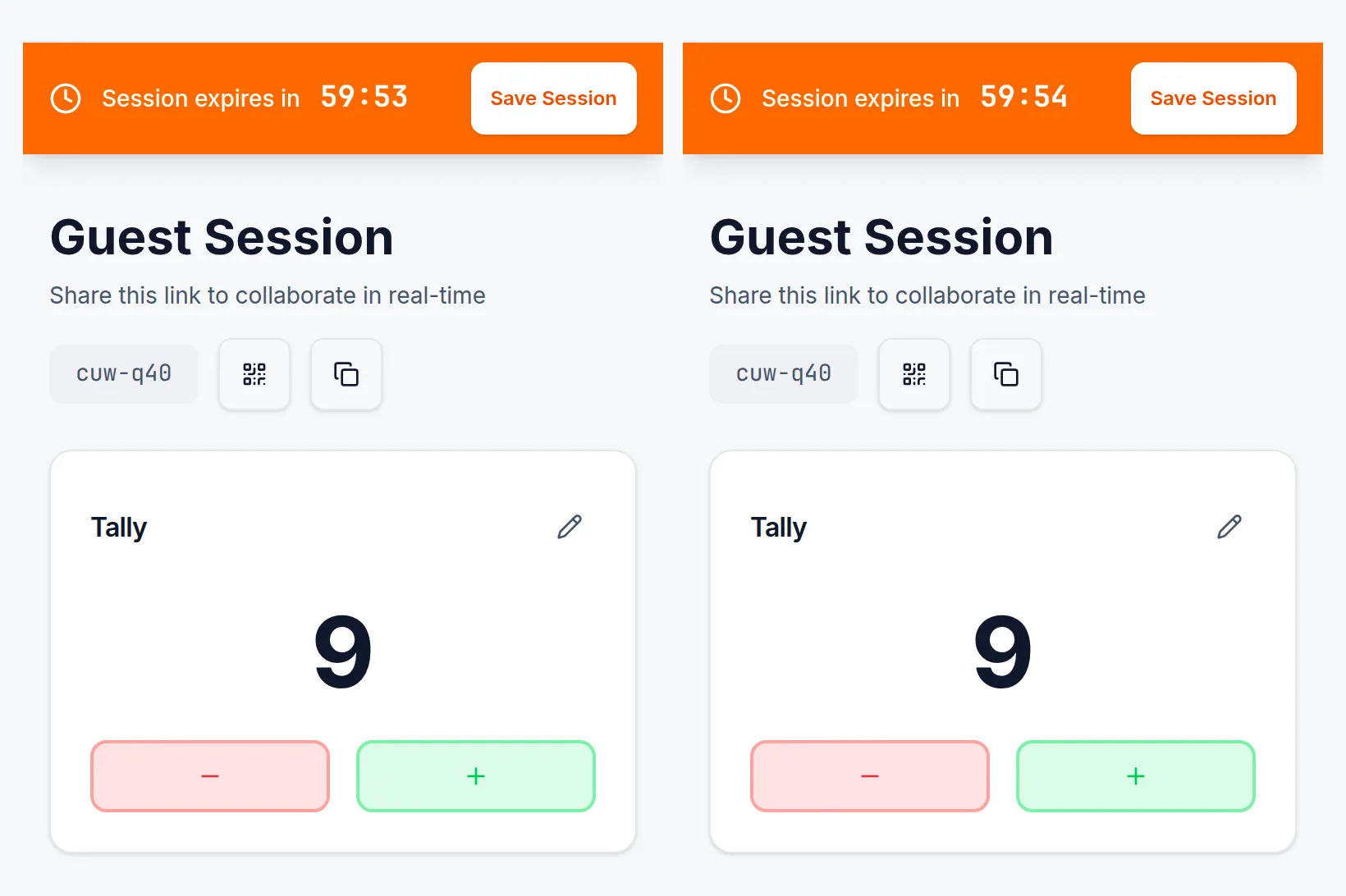
Start a Guest count
Open SnapCount in a browser. No account and no credit card. The session starts with 1 hour and stays open while active for up to 4 hours, on up to 10 devices.
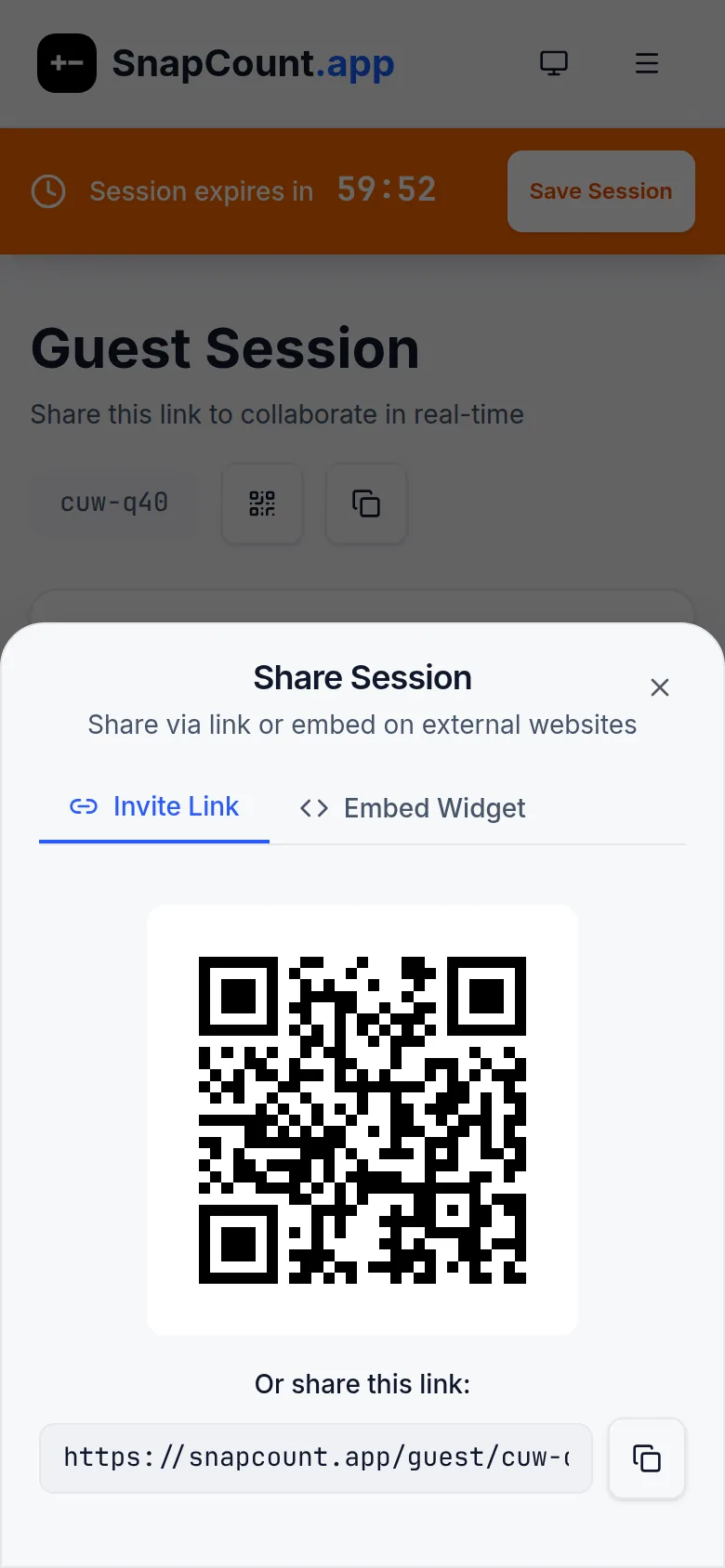
Share the QR or link
Teammates scan and count in their browser, or in the iPhone app.
Keep the record on Pro or Enterprise
There is no importer from CountTogether. Create the counters in a paid organization when the count needs to be saved and exported.
Guest, Pro, and Enterprise
Guest
$0
no account
- No account. No credit card.
- Starts with 1 hour, stays open while active up to 4 hours.
- Up to 10 devices. iPhone + web (no Android).
Pro
$15/mo
or $129/yr per organization
- Up to 10 members.
- Saved counters, roles, and stats.
- CSV/JSON snapshot and daily export.
- Read-only API. Signed increment/decrement webhooks.
Enterprise
$39/mo
or $349/yr per organization
- Unlimited members.
- Activity logs, locks, and timestamped export.
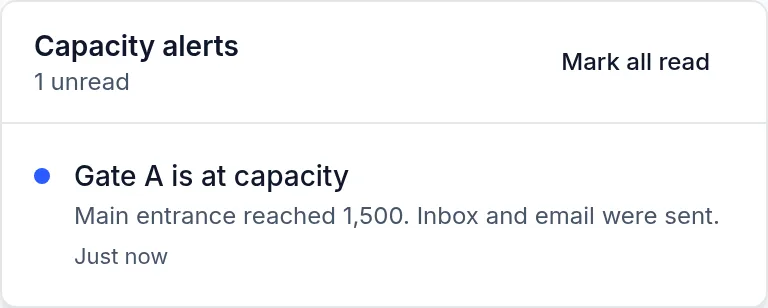
- Capacity threshold alerts to inbox and email.
- Higher API rates. threshold.alert.fired webhook.
Frequently asked questions
Do people need to install an app to join?
No. SnapCount Guest sessions open in any browser from a link or QR code, on phones, tablets, and laptops. The iPhone app is optional.
Does SnapCount have widgets or Shortcuts?
Not yet. If counting from the home screen without opening an app is the main need, CountTogether covers it today.
How much does SnapCount cost?
Guest is $0 with no account. Pro is $15/mo or $129/yr per organization for up to 10 members. Enterprise is $39/mo or $349/yr with unlimited members.
Does SnapCount have an Android app?
No. SnapCount runs on iPhone and in any web browser, including Android browsers.
$0 · No account · No credit card · Starts with 1 hour, up to 4 hours while active · Up to 10 devices · iPhone + web (no Android)
$0 · No account · iPhone + web (no Android)